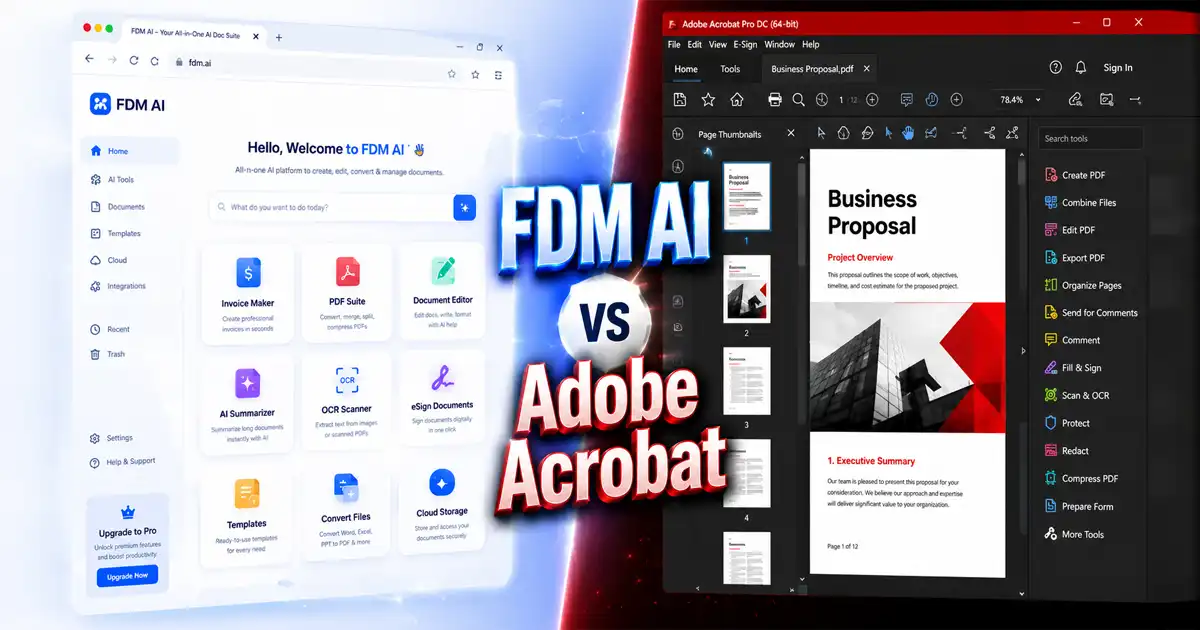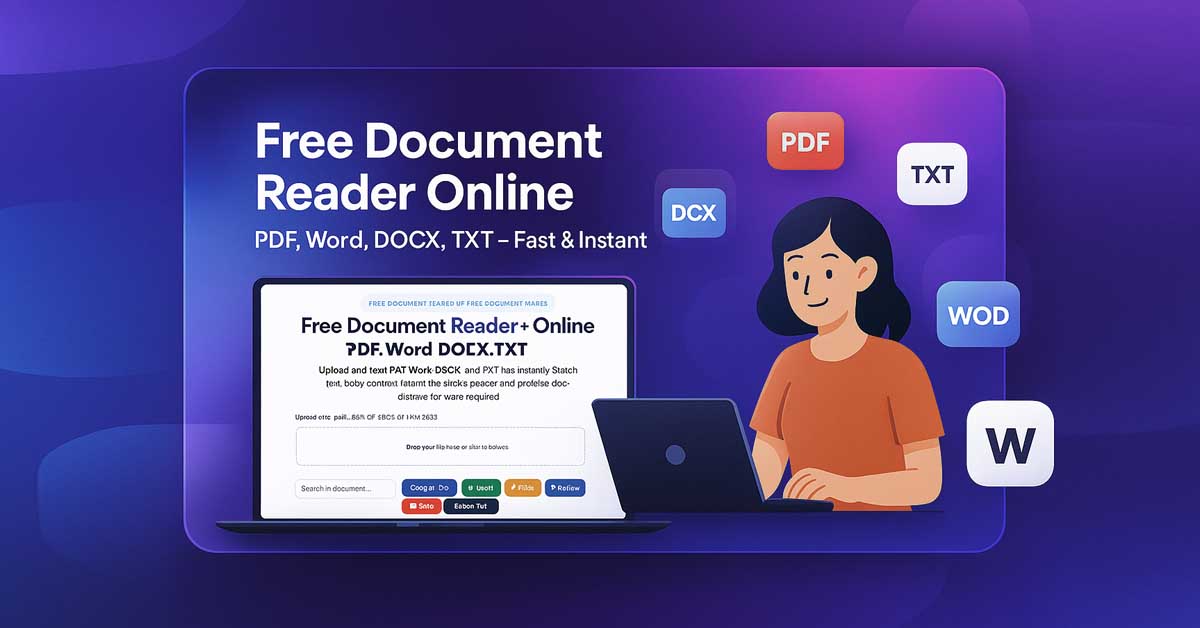
The Browser-Native AI Document Reader by Free Document Maker (FDM AI) is a high-performance, precision-engineered solution designed for professionals who need to view files without the debilitating bloat of traditional software.
Built on the proprietary fdmGTP engine, this platform represents a paradigm shift in digital asset consumption. Skip the frustration of waiting for legacy applications like Adobe Reader or Microsoft Word to load—this online reader provides near-instant access to your files directly within your browser environment.
Whether you require a high-fidelity Word file reader or a secure PDF viewer, this tool is architected to keep your workflow uninterrupted. It is 100% free, requires no registration, and is completely private by design.
Privacy-First Architecture: No Sign-ups. No Watermarks. No Downloads. Just a clean, distraction-free reading experience where your data never leaves your local machine.
The Strategic Shift: Why Choose a Browser-Native AI Document Reader?
In the modern digital landscape, desktop applications have become resource-heavy liabilities, filled with intrusive updates and background processes. Using a Browser-Native AI Document Reader powered by the fdmGTP engine removes these technical hurdles. Choosing this modern approach offers several superior advantages:
Zero Installation Requirements: Eliminate disk space usage and the annoyance of trial pop-ups or forced software updates.
Universal Compatibility: The Browser-Native AI Document Reader works seamlessly across Windows, macOS, Linux, and ChromeOS. It is also accessible via a Chrome extension and an Android app.
Privacy-First Local Processing: Leveraging browser-native technology, your files are processed locally in your browser's temporary memory; they are never uploaded to a remote server.
Elite Speed Performance: This Browser-Native AI Document Reader is optimized for 2026 web standards, allowing you to open complex documents in milliseconds.
Low-Bandwidth Optimization: Specifically engineered to maintain high performance and "answer readiness" even in regions with limited connectivity.
Technical Breakdown: How the Browser-Native AI Document Reader Works
Unlike traditional web-based viewers that rely on server-side rendering, our Browser-Native AI Document Reader utilizes your computer's own processing power via the browser. This ensures that even if your internet connection drops after the initial load, your document remains accessible and interactive.
By moving the computation to the "edge" (your device), we eliminate the latency associated with sending data packets back and forth to a data center. This architecture is what allows the fdmGTP engine to render high-resolution PDFs and complex DOCX layouts with zero lag.
Advanced Features of the Browser-Native AI Document Reader
1. High-Fidelity Multi-Format Support
The fdmGTP engine utilizes Hybrid AI Validation to ensure document structures remain intact across various formats. When you use this Browser-Native AI Document Reader, you get:
PDF Viewer: Professional-grade layout rendering with perfect font and margin retention.
Word Reader (.DOCX & .DOC): View complex resumes and legal briefs without the formatting loss typical of free online viewers.
TXT & Code Viewer: Instantly review plain text or scripts in a high-contrast environment.
2. fdmGTP-Powered Smart Search
Move beyond basic "Find" functions. This Browser-Native AI Document Reader includes integrated Smart Search to help you locate context-driven data instantly—essential for auditing:
Multi-page legal contracts and service agreements.
Dense academic research papers and journals.
Extensive technical documentation and software manuals.
3. Optimized One-Click Text Extraction
The "Copy All Text" feature extracts clean, editable content. The Browser-Native AI Document Reader is specifically designed to bypass common formatting issues found in PDF copy-pasting, making it the best choice for repurposing legacy content or drafting executive summaries.
4. AI-Driven Text-to-Speech (TTS) Integration
Combat digital eye strain with integrated audio reading. Listen to your documents rendered in natural AI voices with granular playback controls (Play, Pause, Stop). This makes the Browser-Native AI Document Reader a powerful accessibility tool for those who prefer auditory learning.
Head-to-Head: Browser-Native AI Document Reader vs. Legacy Software
Feature | Browser-Native AI Document Reader | Traditional Desktop Software |
Setup Time | Instant (Browser-based) | 5–10 Minutes Installation |
System Impact | Negligible (Local Session) | High Background Processes |
Security Model | Private & Temporary | Permanent File Access Rights |
Cost | Always $0 | Often Subscription-Based |
Validation | Hybrid AI Document Integrity | Static Rendering |
User Guide: How to Access Your Files Instantly
Getting started with the Browser-Native AI Document Reader is simple and requires only three steps:
Navigate: Go to the Free Document Reader by FDM AI tool.
Upload: Drag and drop your PDF, DOCX, DOC, or TXT file into the secure drop zone.
Interact: View your document instantly. Use Smart Search, Text Extraction, or Audio Reading.
Exit: Close the tab with peace of mind—no data is stored, ensuring total confidentiality.
The FDM AI Ecosystem: More than just a Document Reader
The Browser-Native AI Document Reader is a core component of the (FDM AI) Free Document Maker platform. Our ecosystem features over 30 specialized "no-login" tools built for the modern digital era:
AI Document Generation: Create resumes, invoices, and certificates from text or voice prompts.
Advanced File Conversion: Seamlessly transform files between PDF, Word, and PPTX.
Financial & Business Tools: Includes an AI invoice generator, quotation maker, and receipt creator.
SEO & Utility Tools: Specialized features for YouTube transcript generation and delivery notes.
Ideal Use Cases for the Browser-Native AI Document Reader
Freelancers: Rapidly review quotes and contracts without expensive software licenses or the risk of uploading sensitive client data to third-party servers.
Students & Academics: Preview and search through hundreds of pages of research papers at high speed while using the TTS feature to "read" while on the move.
Small Businesses: Manage digital paperwork and invoices on low-spec machines without the overhead of premium office suites.
Digital Minimalists: Maintain a clean, high-performance machine by avoiding heavy software installs and keeping your workflow strictly within the browser.
Experience the fastest, most secure way to interact with your professional files. Try the Browser-Native AI Document Reader now and see why thousands of professionals are switching to fdmGTP-powered workflows. FDM AI Offer Free AI Document Generator & Free PDF Maker helps you instantly generate invoices, certificates, legal agreements, resumes, and other professional files. Export documents in PDF, Word, or image formats — with no signup required.