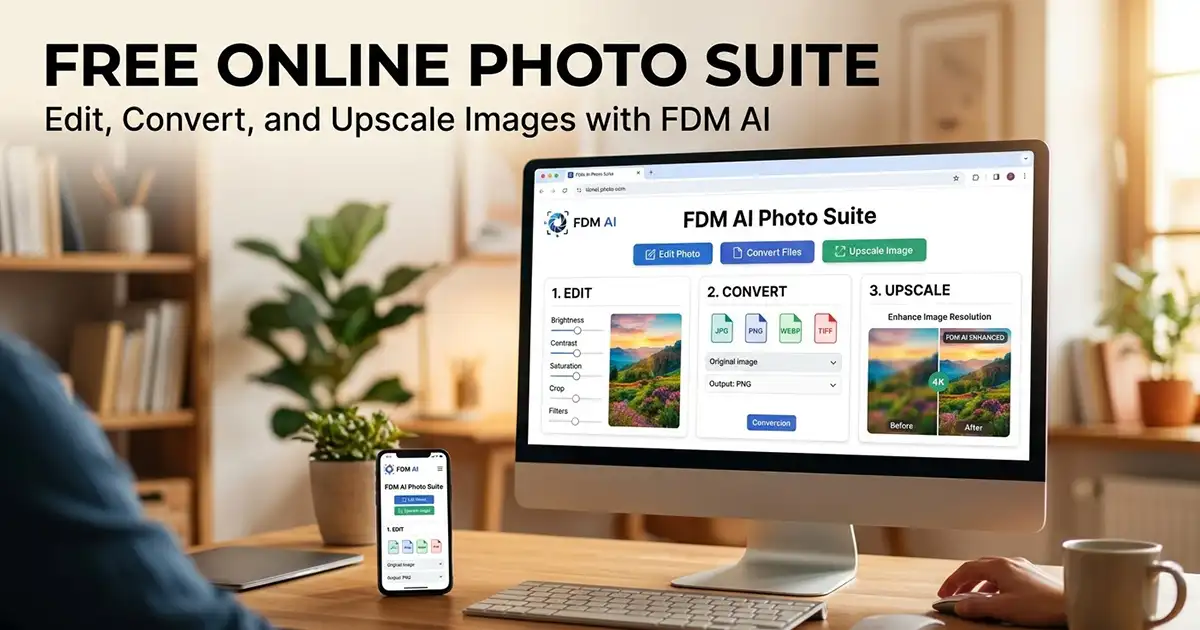
Convert Images to WebP Instantly. We’re excited to introduce a powerful new tool on (FDM AI) Free Document Maker — the WebP Image Converter, designed for speed, privacy, and simplicity.
Images play a major role in modern websites, blogs, eCommerce stores, and mobile applications. However, large image files often slow down websites, increase bandwidth usage, and negatively affect search engine performance.
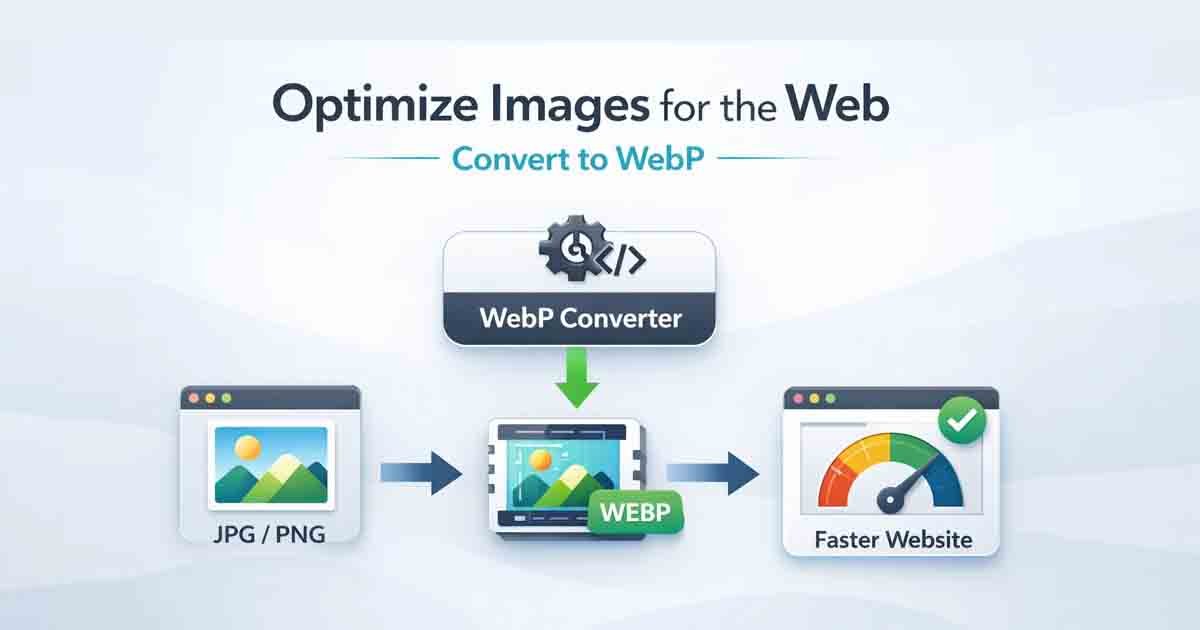
Our WebP Image Converter helps solve this problem by allowing users to quickly convert traditional image formats into the lightweight WebP format. The process is simple: drag and drop your image, convert it instantly, and download the optimized file.
Unlike many online converters that require accounts or store uploaded files, this tool focuses on a frictionless experience.
No sign-ups. No unnecessary uploads. Just fast image conversion.
What Is WebP?
WebP is a modern image format developed by Google that provides advanced compression while preserving image quality. It was designed to help websites load faster while reducing file sizes.
Compared to traditional formats such as JPG or PNG, WebP images are usually significantly smaller while maintaining similar visual quality. This makes WebP an excellent choice for web developers, designers, and content creators who want faster-loading pages.
Key advantages include:
Smaller file sizes
Faster website loading speeds
High visual quality
Support for transparency and animation
Typical improvements include:
JPG → WebP: up to 30–40% smaller file sizes
PNG → WebP: compressed images while maintaining transparency
GIF → WebP: smaller animated image previews
Because of these advantages, WebP has become widely supported across modern browsers and is commonly used for improving both website performance and SEO.
Why This WebP Converter Is Different
Many online image converters introduce unnecessary barriers. Some tools require account registration, others upload your files to external servers, and many store images for long periods of time.
This converter was designed with a different approach — focusing on fast, browser-based conversion with minimal friction.
Key features include:
100% free conversion
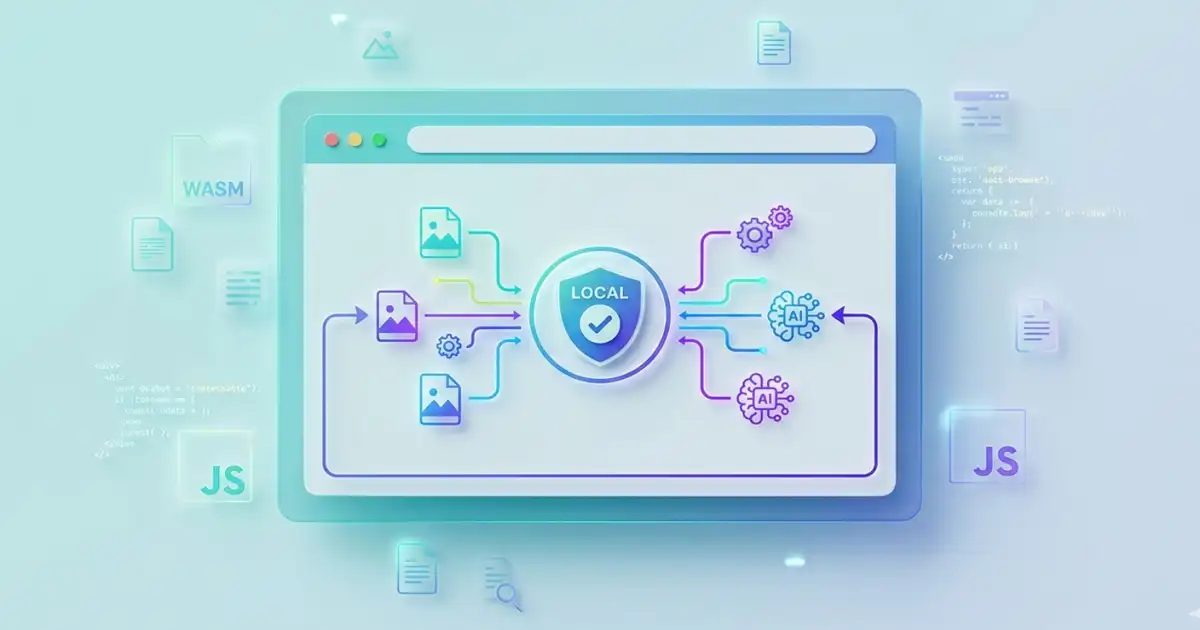
Instant browser-based processing
No sign-up or login required
No permanent file storage
Clean and simple interface
Mobile-friendly performance
The goal is to provide a lightweight tool that performs one task well — converting images quickly and efficiently without unnecessary steps.
Privacy-Focused Image Processing
Privacy is a core design principle of this tool.
Many online image converters upload files to remote servers where they may remain stored for unknown periods of time. Free Document Maker follows a different philosophy.
Images are processed only during the active session and are not stored permanently on the platform. Once the conversion process is completed and the file is downloaded, temporary data is automatically cleared.
This approach ensures that your images remain private and are not retained on the server.
How the WebP Converter Works
Using the tool takes only a few seconds:
Drag and drop your image file (JPG, PNG, GIF, or WebP)
Click Convert to WebP
Review the optimized file size
Download the converted WebP image
The entire process is designed to be simple and efficient so that anyone can optimize images without technical knowledge.
👉 Try the converter here:
Convert Image to WebP
Who Should Use This Tool?
WebP conversion is especially useful for people working with images on the web.
Common users include:
Bloggers optimizing images for faster-loading pages
eCommerce sellers uploading product photos
Web developers improving website performance
Designers building mobile-friendly websites
Anyone who wants smaller image files without sacrificing quality
Optimized images not only improve page speed but also contribute to better search engine performance and improved user experience.
Final Thoughts
Modern websites rely heavily on optimized media files. Large images can slow down websites and affect user experience, while compressed formats such as WebP help deliver faster pages and better performance.
The WebP Image Converter on The Free Document Maker provides a simple and accessible way to optimize images without installing software or creating accounts.
If you need a fast and straightforward way to convert images to WebP, try the tool and see the difference.
👉 Convert your images now:
FDM AI Image To Webp Converter