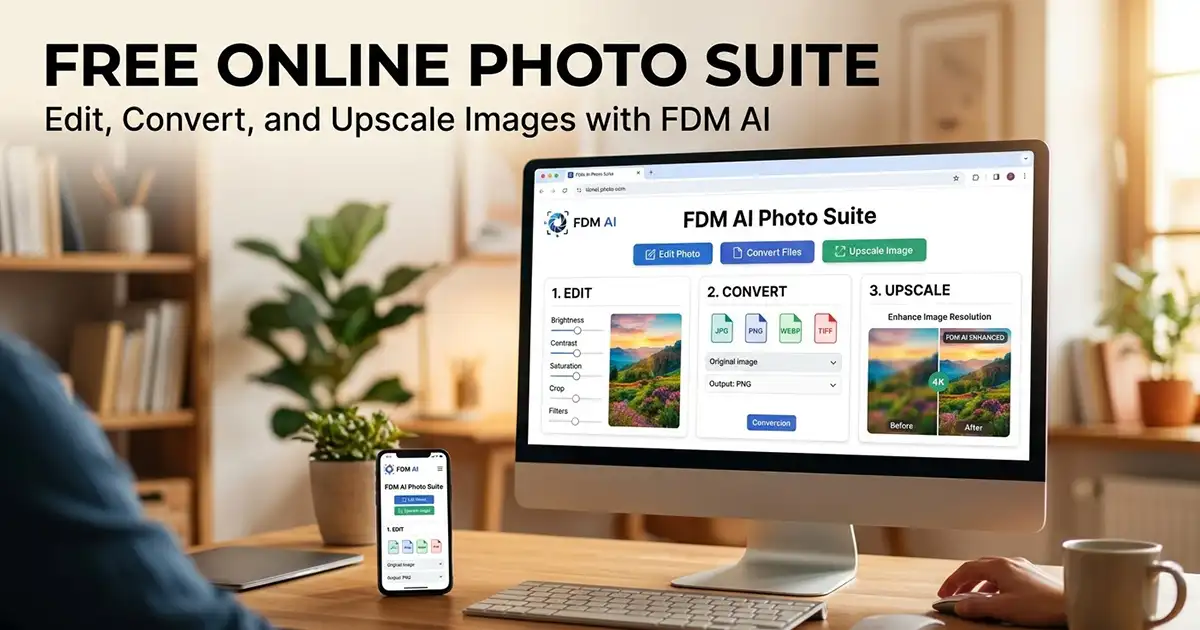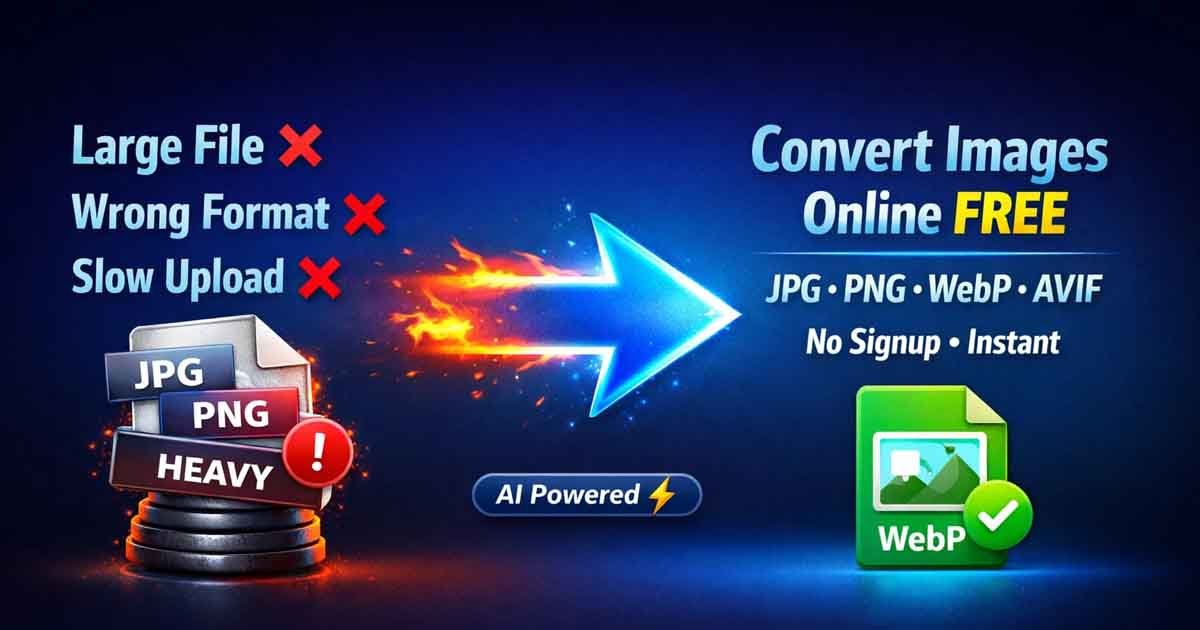
In 2026, web performance is no longer optional — it is a requirement. High-resolution images are the primary cause of slow page loads, which can destroy your search engine rankings and user retention. To stay competitive, you need to convert images online free using modern formats like WebP and AVIF that offer superior compression without sacrificing visual clarity.
Whether you are a developer optimizing a landing page or a social media manager prepping a campaign, Free Document Maker (FDM AI) provides a frictionless, "no-login" environment to handle all your image conversion needs instantly.
Fast Action: Launch the Free Image Converter
What Does It Mean to Convert Images Online Free?
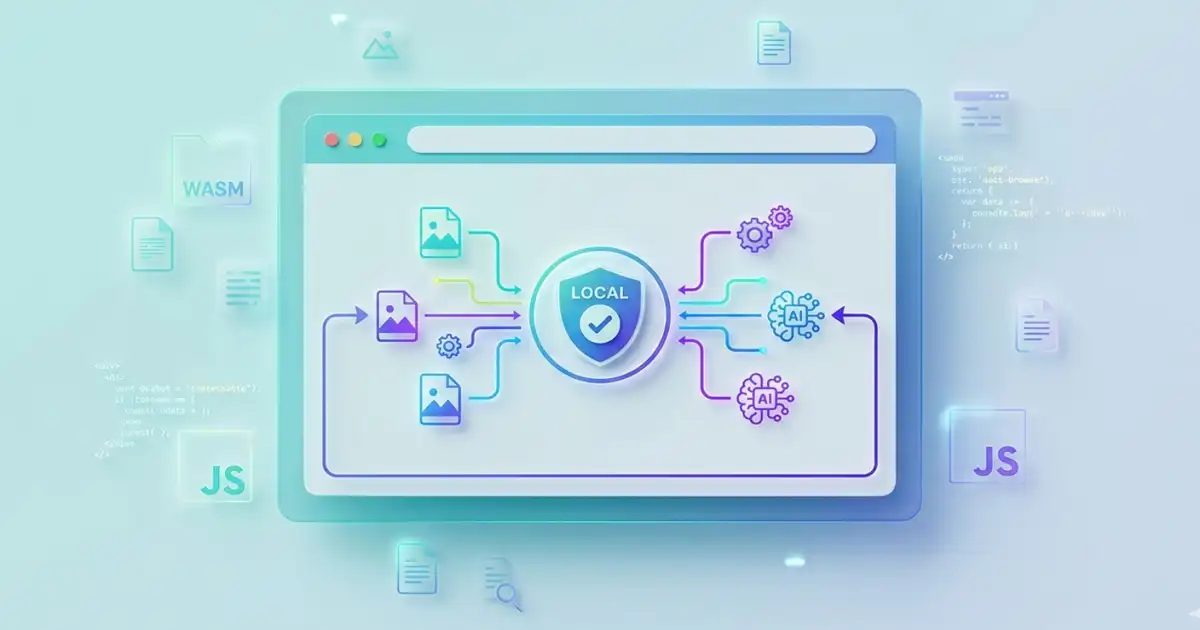
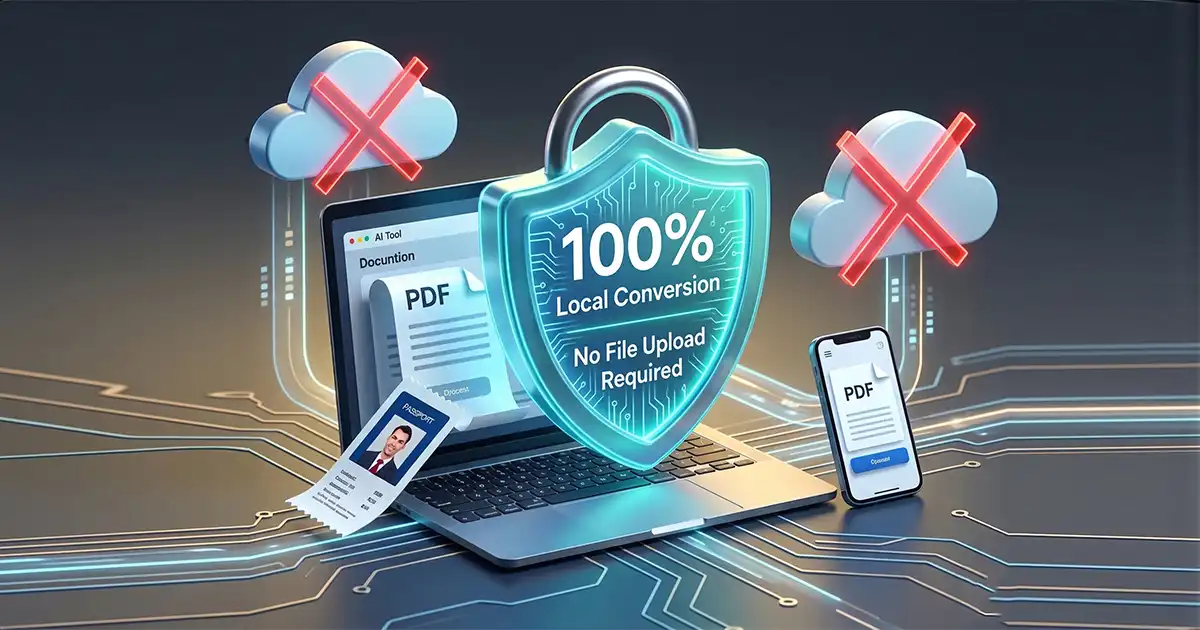
To convert images online free is the process of changing a file's "extension" or encoding—such as turning a heavy PNG into a lightweight WebP—directly within your web browser. Unlike older conversion methods that required server uploads (risking your privacy), modern tools like FDM AI use Client-Side Processing. This means your images never leave your device, ensuring 100% security and lightning-fast results.
The 2026 Image Format Hierarchy:
WebP: The current standard for web performance. It is roughly 25-35% smaller than JPG but maintains identical quality.
AVIF: The "next-gen" format. It offers even better compression than WebP, making it the choice for high-end UI/UX designers.
PNG: Best used only when "Alpha Transparency" (transparent backgrounds) is required.
JPG/JPEG: The universal standard for photography and legacy device compatibility.
Why Browser-Based Conversion Trumps Traditional Software
Many users still reach for Photoshop or offline converters, but in a fast-paced workflow, these are often "overkill." Here is why you should convert images online free instead:
Zero Installation: Avoid "bloatware" and the security risks associated with downloading third-party executable files.
Privacy-First: Since FDM AI uses session-based processing, your sensitive photos or proprietary graphics aren't stored on external databases.
Core Web Vital Benefits: By converting to WebP or AVIF on the fly, you immediately improve your site’s Largest Contentful Paint (LCP) score.
Hardware Independence: Whether you are on a Chromebook in Narayanganj or a high-end Mac in London, the tool performs identically.
How to Convert Images Online Free (Step-by-Step Tutorial)
Follow this simple 2026 workflow to optimize your media library in seconds:
Step 1: Access the FDM AI Engine
Navigate to the Convert Images Tool. Our interface is designed to be "distraction-free" with no intrusive ads or pop-ups.
Step 2: Drag and Drop Upload
Select your source files. You can upload multiple formats at once, including legacy BMP or TIFF files, to be moved into modern web-friendly formats.
Step 3: Select Your Target Format
Choose the output that fits your goal:
Select WebP for SEO and blog posts.
Select PNG for logos and icons.
Select JPG for email attachments.
Step 4: Execute & Download
Click "Convert." The FDM AI engine processes the file instantly. Click "Download" to save your watermark-free image. No email address or credit card required.
The Impact of Image Conversion on Modern SEO
If you want to rank on the first page of Google in 2026, your images must be optimized. Search engines now heavily penalize sites with high "Page Weight."
Why SEO Experts Convert Images Online Free:
Reduced Bounce Rate: Faster images mean faster pages. Users are 50% more likely to leave a site if it takes longer than 2 seconds to load.
Mobile Indexing: Google uses mobile-first indexing. Smaller AVIF/WebP files are essential for users on 4G or 3G networks.
Visual Search: Properly formatted images with the right metadata are more likely to appear in Google Image Search results, driving organic traffic.
Supported Formats for Unlimited Conversion
Our tool is a "Universal Translator" for your visual media. Popular conversion paths include:
JPG to WebP: The #1 choice for bloggers.
PNG to JPG: Used to reduce file size when transparency isn't needed.
WebP to PNG: Necessary for editing images in legacy software.
HEIC to JPG: Convert iPhone photos for use on Windows and Android.
Comparison: Free Document Maker vs. Paid Converters
Feature | FDM AI (Free) | Standard Paid Tools |
Price | $0.00 | $9.99/mo+ |
Signup Required? | No | Yes |
Watermarks? | None | Often included in free tiers |
Speed | Instant Browser-Native | Server-Dependent (Slow) |
Privacy | 100% Client-Side | Data often tracked/stored |
Final Thoughts: Streamline Your 2026 Workflow
The ability to convert images online free shouldn't be gated behind a login or a paywall. By utilizing the Free Document Maker suite, you gain access to professional-grade tools that prioritize your time and your data privacy.
Stop letting large file sizes slow you down. Start Converting Your Images Online Free Today.
Frequently Asked Questions (FAQ)
Is it safe to convert private photos online?
Yes, if you use FDM AI. Because the conversion happens in your browser's memory and not on our servers, your photos stay private.
Does converting an image reduce its quality?
It depends on the format. Converting to WebP or AVIF maintains high visual quality while significantly reducing file size. Converting to JPG is "lossy," meaning some data is discarded to save space.
Can I convert multiple images at once?
Absolutely. Our tool supports batch processing to help you optimize entire folders of images in one go.
Do I need to pay for WebP or AVIF conversion?
No. At Free Document Maker, all modern image formats are supported for free, with no watermarks on the final output.