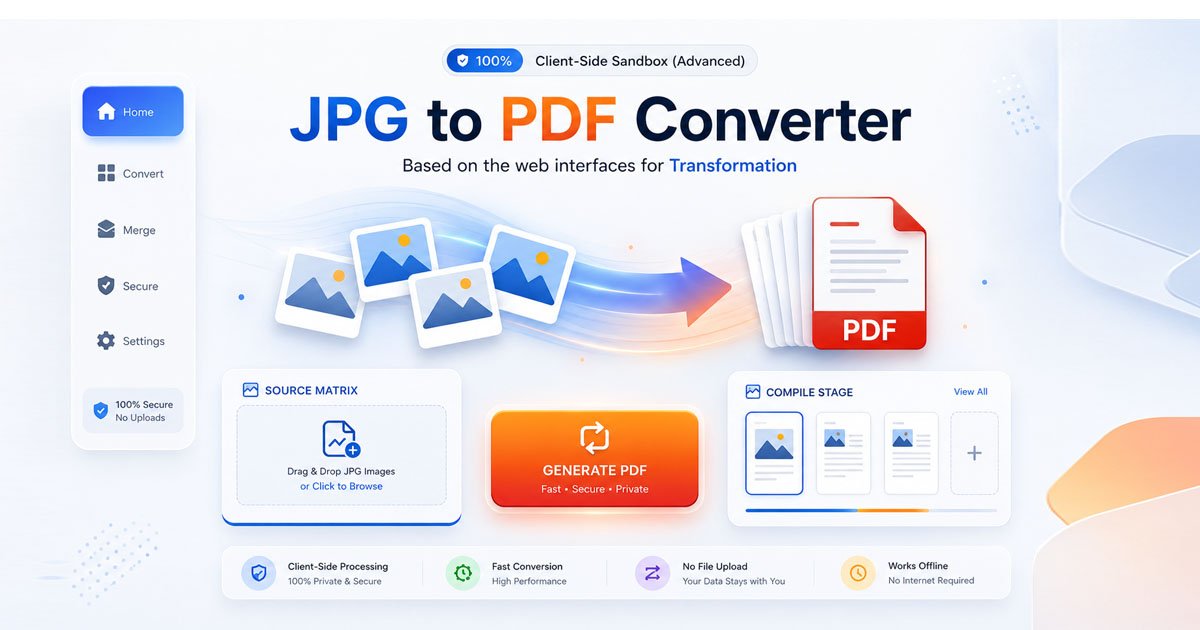
100% Client-Side Sandbox (Advanced)

JPG to PDF Converter

Transform your images into professional, clean PDF books instantly in your browser. Zero uploads. Complete operational privacy.

Source Matrix

Drag & Drop JPG files

or click to browse local files

JPG / JPEG Only

Compile Stage

No assets compiled in current scope

Need Multi-Format Processing?

For PNG, WebP, or TIFF formats, route your assets directly to our complete image pipeline.

Go to Image to PDF
Powered by FDM AI

Why Use Our JPG to PDF Converter?

Engineered for high-throughput browser processing, our local file sandbox completely revolutionizes how you transform image matrices into professional, production-ready document compilations.

100% Data Privacy

Your files never leave your computer. This architecture runs entirely inside your browser's isolated local sandbox, eliminating database storage, caching risks, and external server uploads entirely when you convert JPG to PDF.

Blazing Fast Speeds

Bypass network queues and upload restrictions. Our advanced client-side rendering engine utilizes your local device hardware to transform massive photo batches or simple convert image to pdf sequences instantly.

Zero File Size Limits

Process as many digital document assets as your machine can allocate. Enjoy a completely JPG to PDF free pipeline containing no restricted access bars, no payload throttling, and no hidden subscriptions.

No Account Barriers

Eliminate mandatory landing blocks, newsletter captures, and email configuration loops. Open the workspace, load your layout stack, and instantly execute your compilation cleanly.

Automating Image compilation via Local FDM AI Architectures

Our client-isolated utility map includes an advanced JPG to PDF free suite with instant high-speed image to pdf processing options to customize layout scales and file formats securely.

How-To Guide

How to Convert JPG to PDF — Step-by-Step Guide

Follow this simple workflow to transform your images into professional PDF documents using the FDM AI workspace.

FDM AI workflow visualization
1

Queue Your Source Image Matrix

Drag and drop your target files directly into the dashed upload drop area, or tap the interface to open your local system's directory file picker. To merge JPG to PDF formats cleanly, you can choose a single photo or select up to 40 images simultaneously to assemble a multi-page document.

2

Configure Your Layout Vector Dimensions

Adjust the digital page layout mapping inside the FDM AI JPG to PDF generator workspace to perfectly suit your requirements. Choose "Auto (Match Image)" if you want each page of the document to take on the exact physical width and height dimensions of your original source files. Alternatively, opt for standardized "Portrait A4", "Landscape A4", or "US Legal" bounding constraints if you want a uniform file print size.

3

Compile Your Assets Locally

Once your images to pdf queue is sorted in the workspace container, hit the "Generate PDF" button. This launches a client-side execution path that loops through your selected images, decodes the raw visual parameters, fits them into your defined layout constraints, and builds a valid, uncompressed file map right inside your web browser.

4

Securely Export Your Finished Binary Document

As soon as the progress tracking updates hit 100%, your generated document is safe and sound inside your browser's local cache structure. Simply click the green "Export PDF Document" button to download your final multi-page file instantly to your local hardware drive.

Frequently Asked Questions

Learn why FDM AI is the preferred choice to convert image to pdf files securely and fast.

Are my images safe with this Jpg to pdf converter?

Yes. FDM AI utilizes client-side local processing to convert jpg to pdf. Your files never leave your device, ensuring total privacy.

Can I merge jpg to pdf files in one batch?

Absolutely. Use our tool to merge jpg to pdf arrays, queuing up to 40 images to create a unified document instantly.

Is the FDM AI photo to pdf utility mobile-friendly?

Yes, our responsive design makes it easy to convert any photo to pdf directly from your mobile browser without installing apps.

Will my images to pdf conversion preserve quality?

Yes. Our engine scales images to pdf correctly, maintaining original proportions and preventing distortion during the conversion.

Is this Jpg to pdf free service unlimited?

Yes, FDM AI jpg to pdf is a completely free online tool, providing unlimited high-fidelity document generation.

What formats does this Jpg to pdf FDM AI tool support?

We support high-resolution inputs to convert image to pdf, including JPG, JPEG, and WebP, for maximum user flexibility.

How does local processing help when you convert image to pdf?

By removing server-side lag, FDM AI provides the fastest way to convert image to pdf, improving your site's overall performance.

How fast is the FDM AI jpg to pdf conversion?

Because our jpg to pdf free engine runs locally on your hardware, generation is near-instant, ensuring a seamless user experience.

Deep-Dive Technical Insights

Discover the engineering precision behind our secure, browser-based JPG to PDF conversion technology.

Core Architecture Differences

JPGs are optimized as rasterized containers for web speed, while PDFs function as robust, vector-based wrappers. Our conversion process bridges this gap, transforming loose pixel assets into structured, archive-ready documents.

Vector Layout & Aspect Ratio Logic

Poorly handled geometry leads to image distortion. Our intelligent engine calculates precise scaling coefficients to center your assets perfectly, ensuring professional results on A4, US Legal, or custom page boundaries.

Client-Side WASM Compilation

By leveraging modern JavaScript and native browser APIs, we bypass slow server upload bottlenecks. This local-first approach maximizes your data security while delivering near-instant document generation.

Why our JPG to PDF tool is the fastest and most secure

Our tool uses client-side rendering to convert JPG to PDF instantly without server uploads, offering superior privacy and performance compared to traditional online converters.