FDM AI Hybrid Vector Engine

Convert Illustrator to PDF Online Free

Transform heavy Adobe Illustrator (.ai) raw source documents into lightweight, print-ready vector PDFs instantly. Our compiler accurately maps layers and typography grids onto standard document structures.

Equipped with our advanced binary extraction module, files containing active PDF compatibility profiles are securely processed entirely inside your browser sandbox. Enjoy absolute data confidentiality with zero server-side logs.

Client Security Sandbox
No Registration Barrier
High-Fidelity Paths
Inkscape Vector Fallback

Drop Illustrator File Here

Drag & drop your file or browse local storage

Analyzing Structural Layout...

Processing Framework Layers... 0%
Advertisement

How to Convert Illustrator Documents to PDF Layouts

Follow our quick operational sandbox pipeline framework to convert proprietary files into secure PDF documentation blocks.

  1. 1

    Upload Layered Vector Assets

    Drop your standard .ai graphic file inside our secure dropzone framework interface canvas or browse system repositories directly.

  2. 2

    Instant Execution Compiler Download

    Verify structural variables configurations options, run the computation render script tracking metrics, and export high-fidelity vector PDF books smoothly.

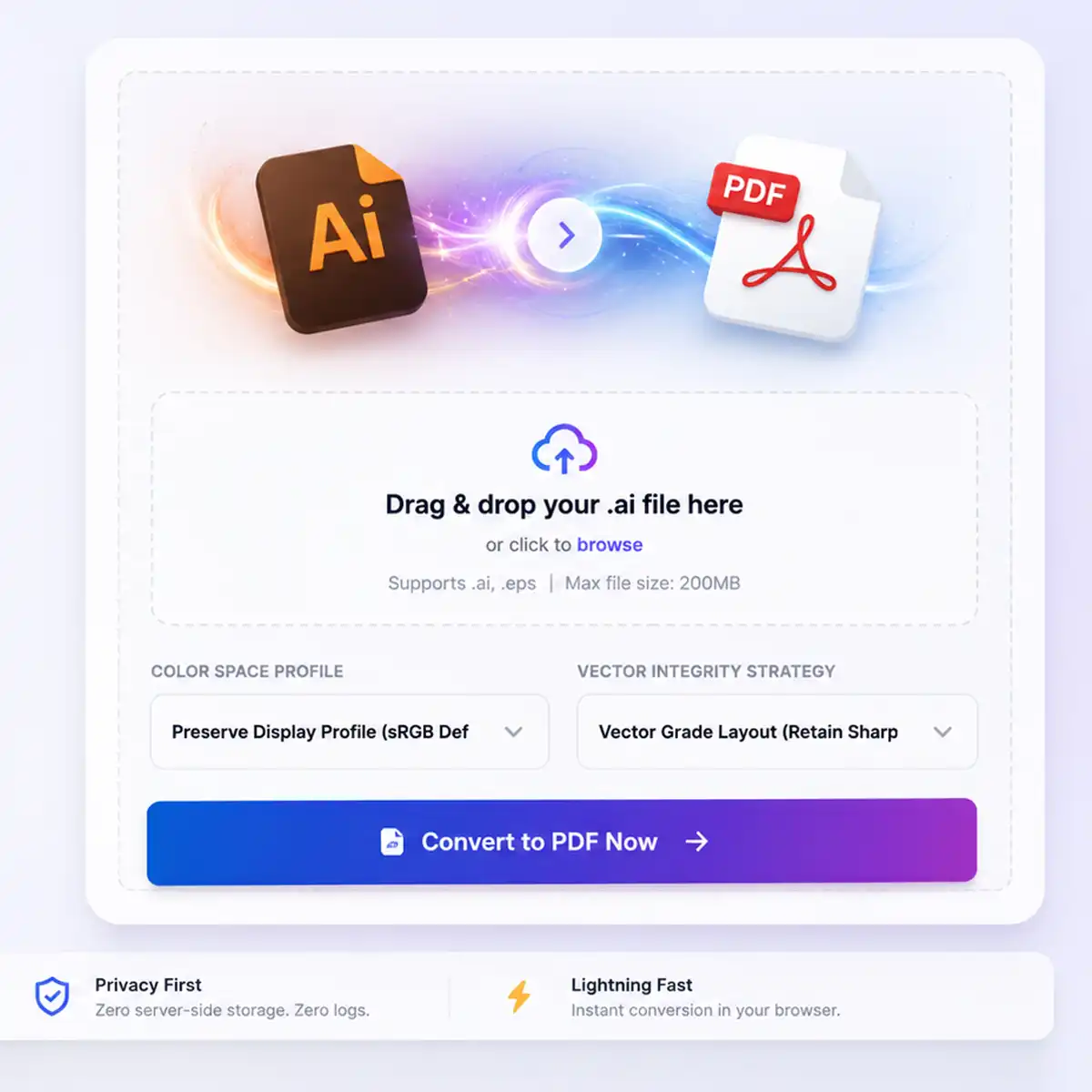
Illustration of FDM AI Illustrator to PDF converter converting vector .ai files into high-fidelity PDF documents
Interactive demonstration of FDM AI Illustrator to PDF conversion engine executing vector-to-document transformation.
fdmGTP Vector Architecture • 100% Free

Convert Illustrator to
PDF Online Free

The Illustrator to PDF Converter by FDM is a production-grade vector pipeline engineered to convert .ai to PDF online seamlessly. Instantly transform proprietary Illustrator source layers into pristine, high-fidelity PDF documents while maintaining absolute authority over structural vector paths, typography, and color spaces, ensuring zero quality degradation.

  • High-Fidelity Vector Mapping

    Convert complex Illustrator paths and anchor points into standard PDF document structures. Our engine preserves complex layer hierarchies, ensuring your designs remain crisp and scalable in any PDF reader.

  • Hybrid Extraction Core

    Engineered with adaptive extraction logic. Files featuring PDF Compatibility layers are processed instantly in your browser sandbox, while standard .ai files leverage our server-side Inkscape CLI node for robust compilation.

  • Secure Document Protection

    Your proprietary brand collateral, creative assets, and graphic media layers are securely handled. We ensure zero persistent data logging, no registration walls, and no mandatory watermarks attached to your final PDF output.

Convert AI to PDF Professional-grade vector-to-document conversion — 100% free, forever.

FDM AI Illustrator to PDF Converter provides high-speed, secure vector document transformation built for designers, illustrators, and agency professionals. Instantly convert .ai files to high-fidelity PDF documents without damaging original design layouts.

Vector Processing Capabilities

Illustrator to PDF Conversion Targets

Pre-configured conversion pipelines optimized for graphic designers, agency creative workflows, and digital documentation standards.

Corporate Design

Branding Identity

Convert complex logo files and identity guidelines into standard PDFs while preserving high-fidelity color profiles and crisp edges.

Target: Print-Ready Identity
Print Production

Print Layouts

Transform multi-page marketing collateral and brochure layouts directly from AI drafts to secure, industry-compliant PDF format.

Target: High-Resolution Print
User Interface

UI Mockups

Ensure your UI interface designs remain sharp and scalable when presenting wireframes to stakeholders in a portable PDF format.

Target: Portable Design Review
Engineering

Technical Diagrams

Maintain absolute precision in technical illustrations and flowcharts, ensuring line weights and annotations remain clear during PDF conversion.

Target: Sharp Geometric Detail
Knowledge Base

Frequently Asked Questions — Illustrator to PDF

Find clear answers about FDM's secure vector compiler framework — how to safely convert AI files, preserve vector paths, and maintain high-fidelity design standards in 2026.

  • Q

    What is FDM’s Illustrator to PDF Converter?

    It is a high-performance vector compiler engineered to transform complex .ai documents into standard PDF layouts. The engine accurately maps proprietary vector nodes, typography, and color profiles into a secure PDF stream.

  • Q

    Is the converter free to use?

    Yes, it is 100% free with no registration walls. You can compile your vector assets with zero hidden execution fees, no mandatory software installs, and absolutely no watermarks.

  • Q

    How does the browser-side extraction work?

    If your .ai file includes a "PDF Compatibility Layer" (default in Illustrator), the browser instantly extracts the PDF stream. For pure PostScript vectors, our secure server-side Inkscape engine performs the compilation.

  • Q

    Will vector paths lose quality during conversion?

    No. We use a high-fidelity vector-to-vector transformation process. Anchor points, line weights, and geometric paths are preserved, ensuring your output PDF remains sharp at any zoom level.

  • Q

    Is my data secure during upload?

    Privacy isolation is our core priority. All uploads are processed via encrypted transmission layers. Files are temporary tokens that are automatically cleared upon compilation completion, blocking any persistent storage or telemetry.

  • Q

    Can I convert very large AI files?

    The interface supports files up to 50MB. This limit is set to ensure rapid compilation and prevent server-side memory bottlenecks, allowing for a seamless experience on all device profiles.