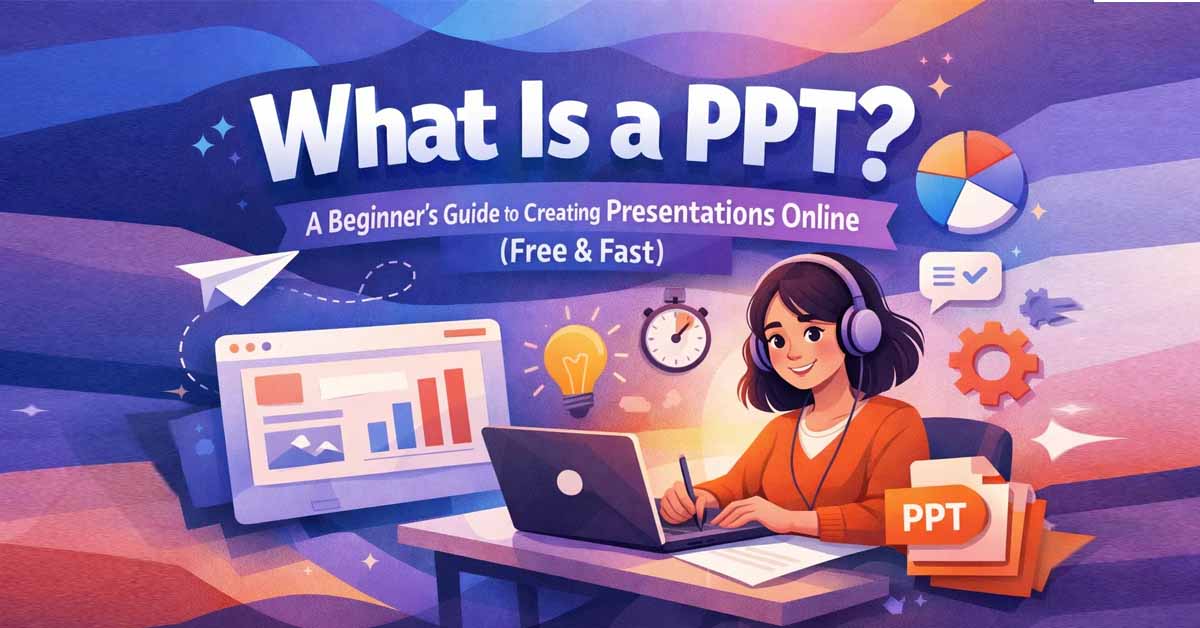
What is a PPT? A PPT (PowerPoint Presentation) is a slide-based file used to present information visually using text, images, charts, and multimedia. Originally developed by Microsoft PowerPoint, PPT files (now commonly saved as .pptx) are widely used in schools, businesses, and professional presentations.
Today, PPT presentations are one of the most effective ways to communicate ideas clearly and visually. Whether you're pitching a business proposal, teaching a lesson, or presenting research, a well-structured PPT helps your audience understand information quickly and stay engaged.
With the rise of online tools, you no longer need expensive software to create presentations. You can now create PPT files directly in your browser using modern platforms that simplify the entire process.
What Is a PPT File?
A PPT file is a digital presentation made up of multiple slides. Each slide represents a section of your content and is designed to communicate a specific idea or message. Slides are arranged in sequence, allowing you to guide your audience step by step through your topic.
Typical elements inside a PPT include:
Slides arranged in a logical sequence
Titles and text for key points
Images and graphics for visual support
Charts and tables for data presentation
Animations and transitions between slides
You can think of a PPT as a visual storytelling tool that helps transform complex ideas into simple, structured slides.
Why PPT Presentations Are Important
Even with many new formats available, PPT remains one of the most widely used presentation tools because of its flexibility and universal compatibility.
Clear and structured visual communication
Easy organization of ideas and topics
Widely used across schools, universities, and workplaces
Compatible with most devices and presentation software
PPT presentations are especially useful when you need to explain ideas step by step while keeping your audience focused and engaged.
How to Create a PPT Online for Free
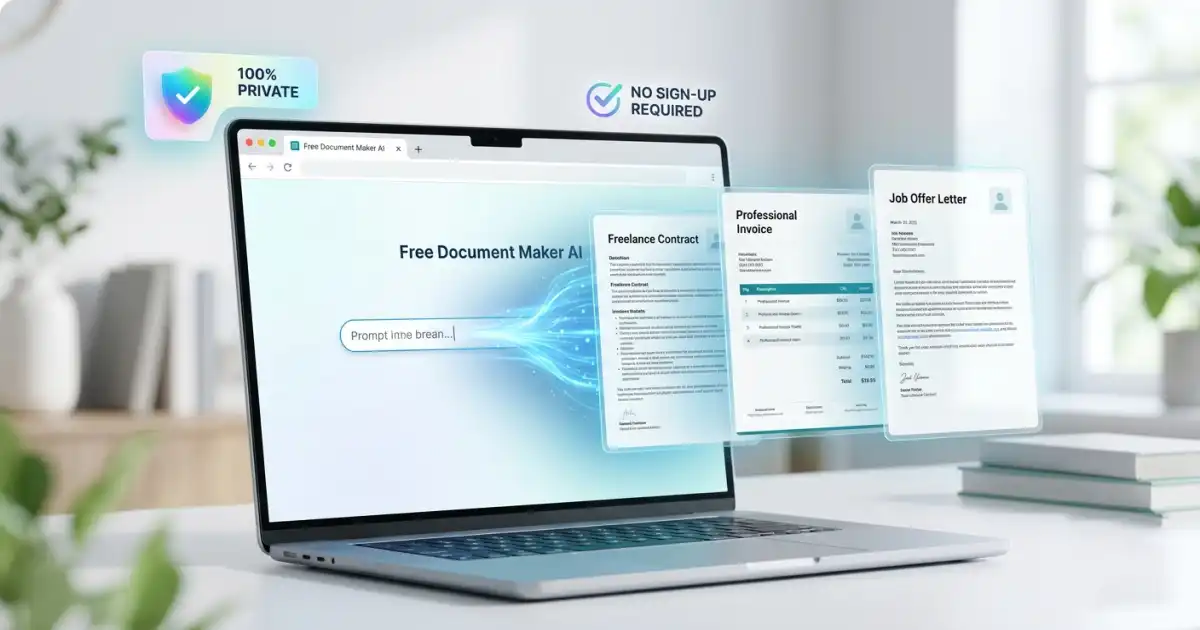
Creating a PPT presentation no longer requires installing Microsoft Office or any heavy software. With tools like Free Document Maker, you can create presentations online quickly and efficiently.
Step 1 — Open the PPT Generator
Start by opening a browser-based presentation tool. These tools are designed for simplicity and speed, allowing you to begin instantly.
Step 2 — Add Your Content
Plan your slides before creating them. A good structure includes:
Title slide
Introduction
Main points or sections
Data, charts, or visuals
Conclusion or summary
Keeping a clear structure helps your presentation flow logically.
Step 3 — Customize Your Slides
You can enhance your presentation by selecting fonts, colors, layouts, and images. Consistent design improves readability and gives your slides a professional look.
Step 4 — Download Your PPT
Once your slides are ready, export your presentation as a .pptx file. You can preview it, share it, or present it directly.
Best Tips for Creating a PPT Presentation
Keep slides simple with minimal text
Use visuals to support your message
Maintain consistent fonts, colors, and layout
Use charts instead of large data tables
Focus on one idea per slide
End with a strong conclusion or key takeaway
A clean and well-designed PPT is easier to understand and more effective in delivering your message.
PPT vs PDF – What’s the Difference?
PPT and PDF files are often used together but serve different purposes.
PPT files are editable and support animations, making them ideal for live presentations. You can modify slides, add effects, and interact with your audience.
PDF files, on the other hand, are fixed and better suited for sharing or printing. They preserve layout and formatting but do not support animations.
Use PPT when presenting ideas and PDF when sharing final documents.
Why Use Free Document Maker for PPT
Free Document Maker provides a fast and simple way to create PPT presentations online. You can generate slides, customize layouts, and download files without login or watermarks.
The platform is designed for speed and accessibility, allowing users to create professional presentations directly in their browser without any technical setup.
Whether you are a student, freelancer, or business professional, it offers a reliable solution for quick document creation.
Conclusion
A PPT (PowerPoint Presentation) is one of the most effective tools for sharing ideas visually. It combines text, images, and structure to deliver information in a clear and engaging way.
With modern online tools, creating PPT presentations is now faster, easier, and completely free. You can build professional slides in minutes and communicate your ideas with confidence.
Start creating your PPT today and transform how you present information.