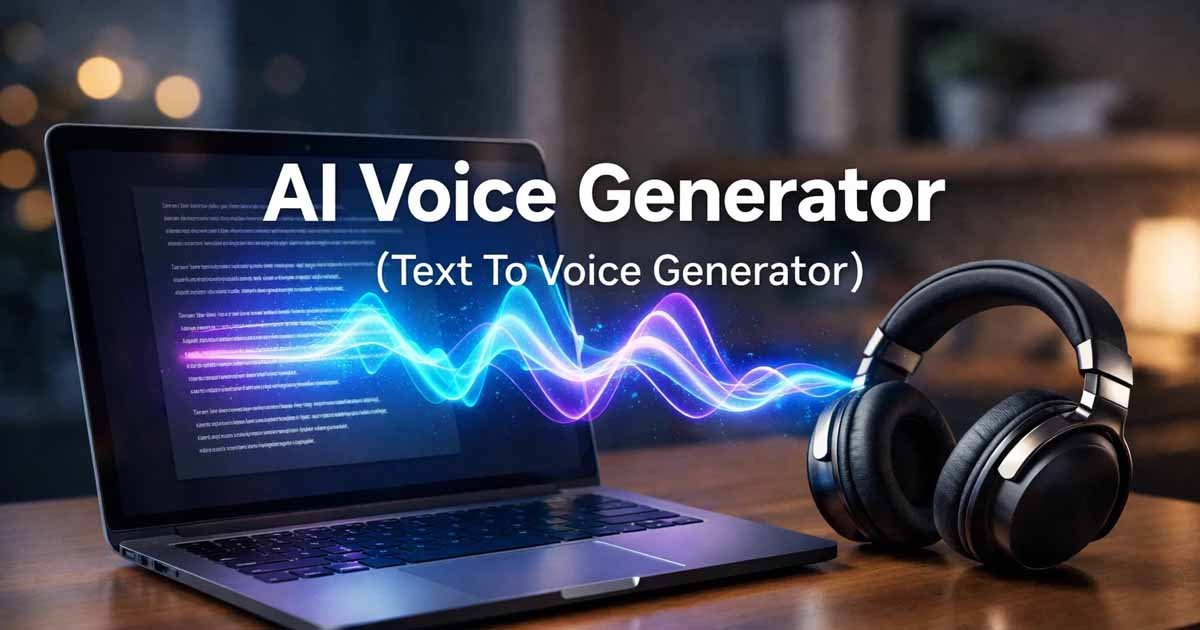
In the modern digital landscape, Text to Voice technology is undergoing a massive transformation. We are no longer tethered to static screens; instead, we are entering an era where information needs to be as mobile as we are. This shift is being driven by Document AI and specifically, high-quality narration engines that sound more human than ever before.
Whether you are a developer, a freelancer, or a student, the ability to use Text to Voice to turn a document into a professional audio file is a "superpower" for productivity. By integrating these automated voices into your workflow, you can save hours of recording time while maintaining a professional standard.
The Rise of Auditory Content
The statistics are clear: audio consumption is skyrocketing. Using a professional FDM AI Text to Voice Generator allows anyone to tap into this trend without needing a recording studio. Here are seven creative ways to integrate this tech into your digital life.
1. The "Audio-First" Blog Strategy
If you run a website, you likely struggle with "bounce rates." By adding an audio version at the top of your posts, you provide an alternative for "on-the-go" visitors.
Why it works: Providing a narrated option increases "time on page," a significant signal for SEO.
The Workflow: Paste your post into our tool, select a natural tone, and embed the player.
2. Rapid Social Media Narrations (TikTok & Reels)
Social media algorithms prioritize high-quality audio. If you aren't comfortable recording your own voice, using Text to Voice is the perfect solution.
Creative Usage: Use AI speech to narrate your "How-to" videos or Reels.
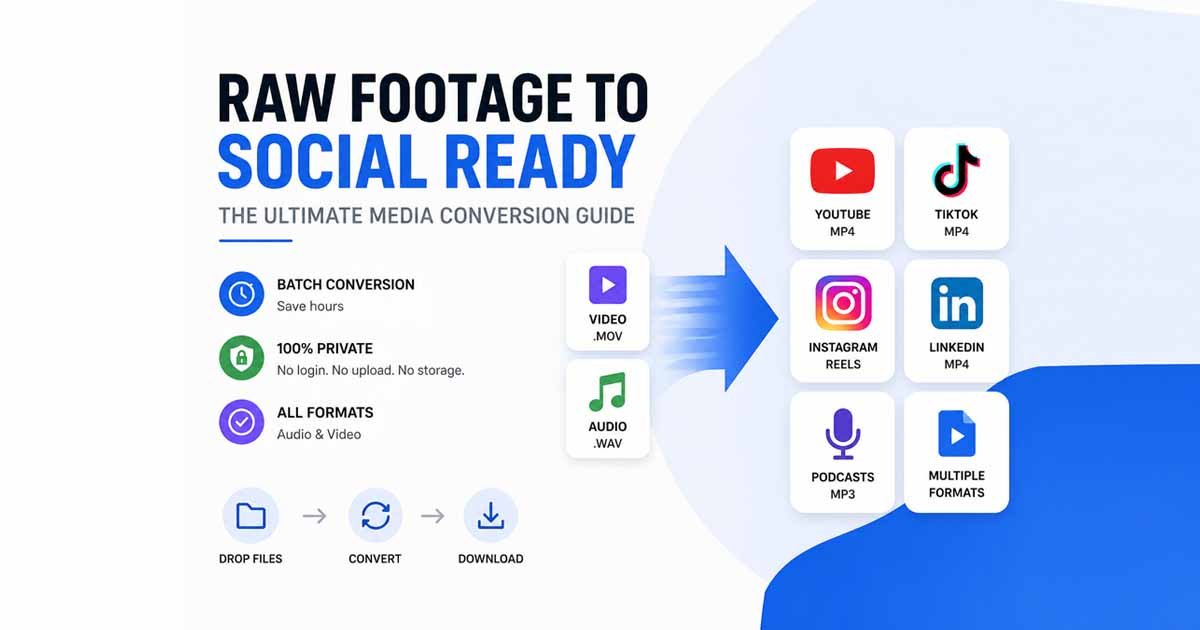
Pro Tip: If you need a specific file type, use our Media Converter to switch between MP3 or WAV after generating your clip.
3. Boosting Accessibility for Universal Design
Web accessibility is a standard, not an option. For users with visual impairments, a Text to Voice utility is essential. By providing audio versions of your reports or newsletters, you ensure your message reaches everyone.
4. The "Proof-Listening" Technique
After reading your own work five times, you become "blind" to typos.
The Hack: Paste your document into the generator and listen. When you hear your words read back to you, awkward phrasing and missing commas become immediately obvious. It is like having a virtual editor read your work aloud.
5. Multi-Language Global Outreach
Expanding globally requires localizing content. Our narration engine can generate speech in multiple dialects and languages with surprising accuracy.
Creative Usage: Create a product explanation in the local language of your target audience to build instant trust without hiring a voice actor.
6. Personal Productivity: "Inbox to Podcast"
Transform your "Read Later" list into a personalized daily podcast.
The Workflow: Copy long emails into the Text to Voice generator. Download the files and listen to them during your commute. If you encounter video-based webinars, use a Media Converter to extract the audio first.
7. Professional Voicemails and IVR Systems
Small business owners often struggle to sound "established." Use a clean, AI-generated narration to create professional phone greetings or "on-hold" messages. It gives your brand an enterprise-level feel for zero cost.
Breaking the Friction: Why "No-Login" Tools Matter
The biggest barrier to using AI is the "Sign-Up" wall. This is where the philosophy of Free Document Maker (FDM AI) changes the game. By offering a privacy-first, browser-native Text to Voice experience, your creative flow isn't interrupted.
Privacy: Your scripts aren't stored on a server for training.
Speed: Go from text to audio in seconds, not minutes.
Managing Your Media Assets
Generating audio is just the beginning. Often, you’ll need to convert those files or combine them with other assets. Having a suite of tools that allows you to Convert Audio & Video instantly ensures that your output fits any platform, from PowerPoint to Premiere Pro.
Frequently Asked Questions (FAQ)
Q: Is this audio tool truly free? A: Yes. Our generator is free, requires no login, and puts no watermarks on your audio files.
Q: Can I use the generated speech for commercial YouTube videos? A: Absolutely. The files produced via Text to Voice are yours to use for any personal or commercial project.
Q: Does it work on mobile? A: Yes, the interface is fully responsive and works directly in your mobile browser without an app download.
Conclusion: Give Your Ideas a Voice
Technology should be a bridge, not a barrier. By leveraging these creative ways to use Text to Voice, you aren't just making content; you are making it more accessible and efficient.
Ready to start? Visit the Text to Voice Generator and see how your words sound in high definition today.