Converting video formats traditionally required downloading bulky desktop software, installing untrusted codecs, or uploading massive video files to third-party cloud servers. These cloud methods often introduce long upload queues, privacy vulnerabilities, and unexpected subscription paywalls.
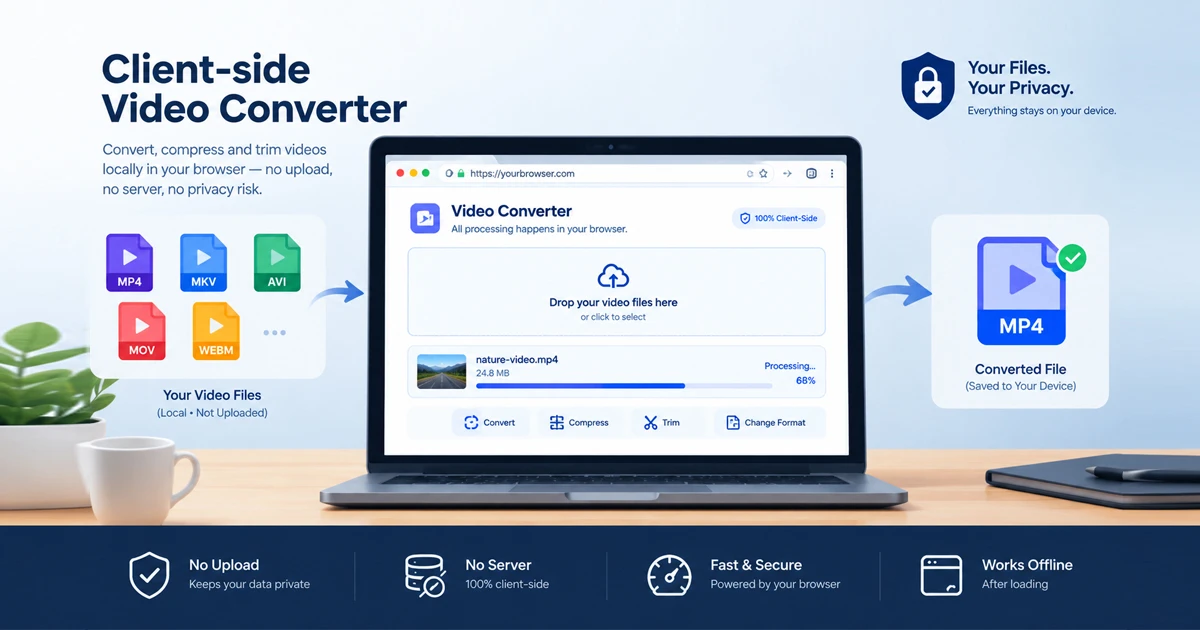
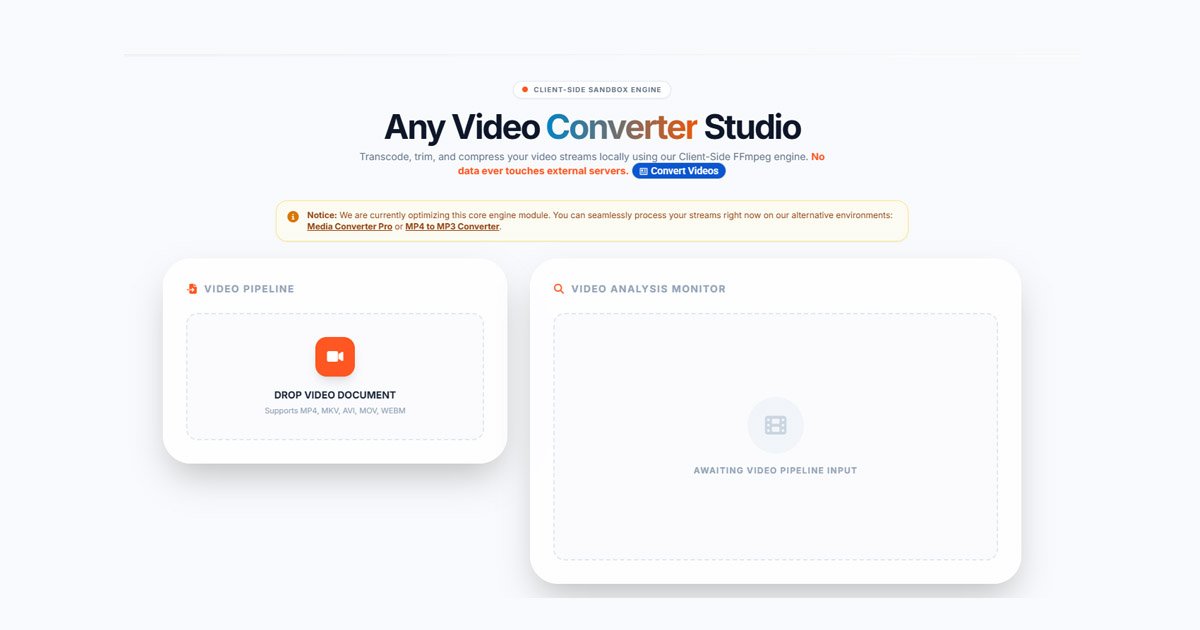
The modern solution is a browser native video converter online. Powered by advanced WebAssembly (WASM) technology, platforms like the FDM AI Video Converter allow you to process media directly inside your web browser without sending your files to a remote cloud database.
Key Features & Technical Specifications
The FDM AI Video Converter is engineered as a zero-friction, client-side productivity tool designed for speed and data privacy.
How It Works: Runs entirely client-side inside your browser sandbox, ensuring 100% privacy and zero network queue delays.
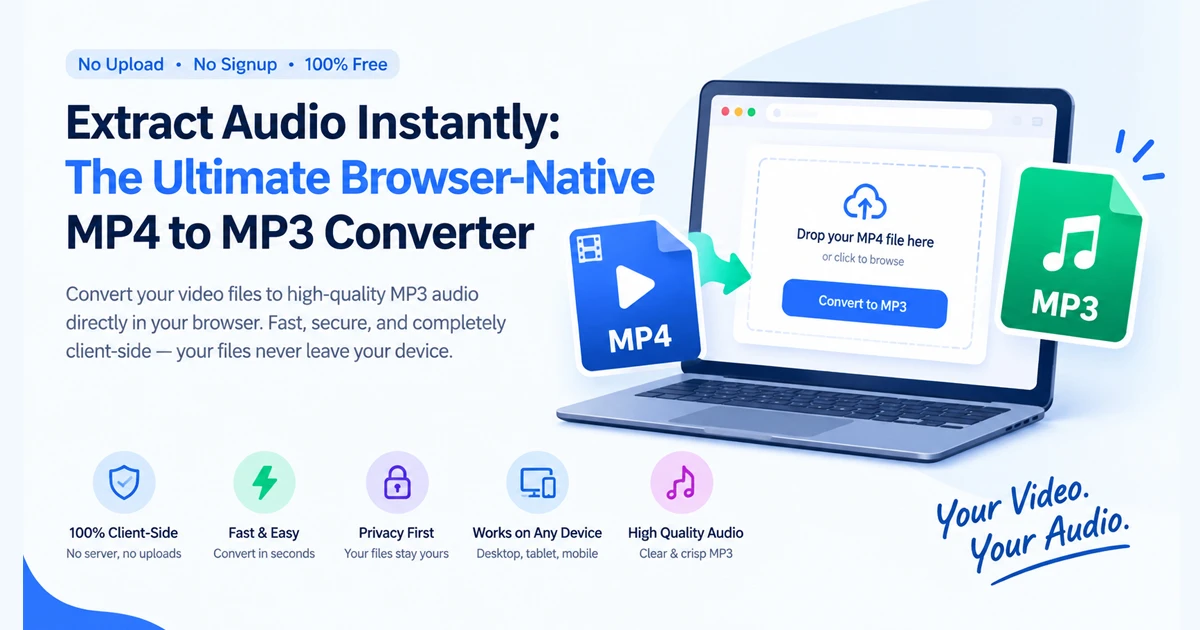
Supported Formats: Converts seamlessly between MP4, AVI, and MKV, while also allowing users to extract clean audio tracks into MP3.
Resolution Mapping: Supports flexible output scaling ranging from 360p and 480p to HD 720p, 1080p, and Full 4K.
File Size Management: Capped at 20MB per file to prevent browser memory lags and ensure smooth local processing.
Cost & Watermarks: Completely free to use with no registration, no forced browser plugins, and zero watermarks.
Why Choose a Browser-Based Converter?
1. Absolute Data Privacy
When working with personal recordings or proprietary video content, uploading files to an external server poses security risks. Because processing happens locally using your device's browser resources, your files never leave your machine.
2. Instant Access Without Signup
Forget creating accounts or waiting through email verifications. You can open the tool and begin converting your media files instantly.
3. Clean, Watermark-Free Export
Every converted video or extracted audio track is clean, professional, and ready for immediate sharing or editing.
Are You Looking to Convert a Video Larger Than 20MB?
If you have a heavy 4K clip or a full-length movie exceeding the 20MB limit, you might wonder how to handle it. Because browser-native processing relies on local system memory to prevent tab crashes, larger files require simple workarounds:
Trim or Split the Video: Cut your video into smaller segments (under 20MB each) using an offline trimmer, then convert each piece instantly in your browser.
Compress the Source File: Lower the video bitrate or resolution slightly before dropping it into the conversion utility.
Explore Universal Media Tools: For smaller media assets and audio files, you can also explore the broader FDM AI Universal Media Converter suite for flexible file management.
Frequently Asked Questions (FAQ)
1. What is a browser native video converter online?
It is a web-based tool that uses WebAssembly (WASM) to execute video conversions locally inside your browser, eliminating the need to upload files to external servers.
2. Do I need to install any software or plugins?
No. The tool runs entirely within your browser sandbox with zero installations or plugins required.
3. Are my videos uploaded to a remote server?
No. All conversions happen securely on your local device via client-side processing, ensuring complete privacy.
4. What formats are supported?
The tool supports popular video formats including MP4, AVI, and MKV, as well as MP3 audio extraction.
5. Is the service completely free?
Yes. The video converter is 100% free with no registration walls, subscriptions, or watermarks.