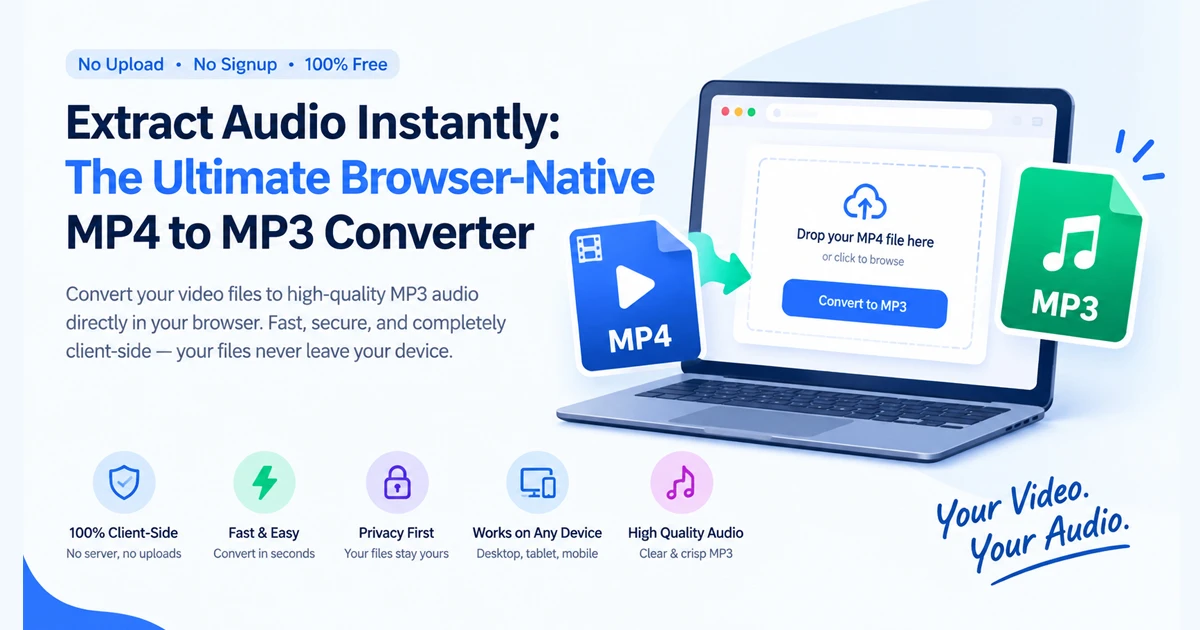
Quick Summary: Discover how browser-native media tools allow you to extract pristine audio layers from video files locally on your device, ensuring total privacy with zero server uploads.
Whether you are a content creator looking to pull a soundtrack from a project, a journalist archiving interview clips, or a student saving lecture audio, converting video to a clean audio format is a common daily task. Traditionally, this meant navigating sketchy online conversion websites that forced you to upload large video files to remote servers, subjecting you to slow queue times, file size limits, and privacy risks.
As web architectures evolve, heavy cloud-dependent utilities are becoming obsolete. Modern workflows demand instantaneous, secure, and browser-native media processing.
1. The Problem with Cloud-Based Video Converters
Most online video converters operate on a cloud infrastructure model. When you want to turn a video file into an audio track, you must upload your media over the internet to a third-party server, wait for their backend engine to transcode it, and then download the final result.
This process introduces multiple friction points:
Privacy Risks: Your personal or business video files are stored temporarily (or permanently) on external servers.
Bandwidth & Speed Bottlenecks: Uploading and downloading large high-definition video files wastes time and internet data.
Annoying Paywalls & Limits: Many tools restrict file sizes or lock high-bitrate audio exports behind monthly subscriptions.
2. Enter Browser-Native Audio Extraction
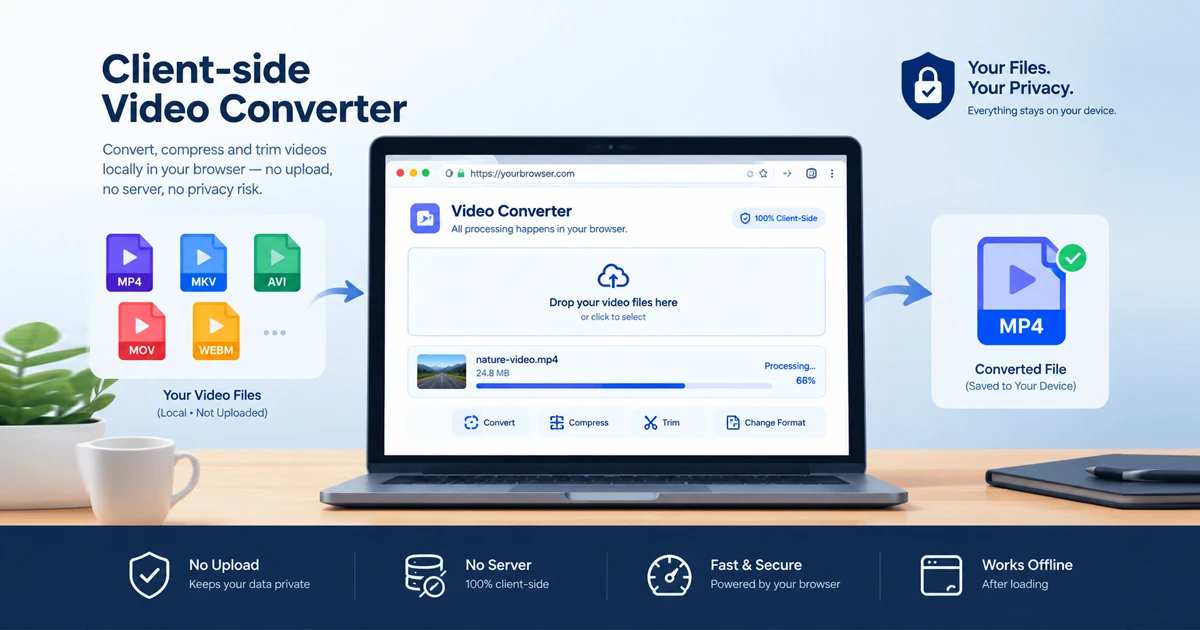
The modern alternative leverages advanced client-side processing directly inside your browser sandbox.
By executing media parsing locally using optimized web technologies, you can extract pristine audio layers from your MP4, MOV, and MKV video files directly within your browser. No server uploads or heavy engine downloads required.
Because all computations happen on your own device hardware, execution is lightning-fast, secure, and completely independent of external network speeds.
3. Flexibility Without Quality Loss: MP3, WAV, or Lossless Copy
A professional audio extraction tool should never compromise on audio fidelity. Depending on your post-production needs, flexibility is key when exporting sound tracks:
Format Versatility: Pull the soundtrack out of MP4, MOV, MKV and WebM videos effortlessly.
Tailored Outputs: Save your extracted track as a compressed MP3 for everyday sharing, an uncompressed WAV for pristine editing, or the original audio copied without any quality loss straight from the container stream.
4. Part of the FDM AI Ecosystem
Built with the same zero-friction philosophy as the rest of the Free Document Maker (FDM AI) suite, the browser-based media utility requires no account registrations, login walls, or software installations. It is designed to provide instant, secure micro-utility whenever you need it.
Explore other companion tools across the platform, such as the Free Text to PDF Converter, the Online PDF Editor, or the AI Document Writer to streamline your complete digital workflow.
Conclusion: Take Control of Your Media Workflow
You no longer need bloated desktop software or risky cloud upload sites to manage your files. By utilizing secure client-side extraction, you can convert, edit, and export media instantly while keeping your data strictly on your own device.
Try the browser-native MP4 to MP3 Converter today and experience frictionless, private media processing!