Document creation and file conversion are still surprisingly complicated for many users. Even simple tasks like turning text into a PDF or preparing a quick invoice often require multiple tools or large desktop applications. Software such as traditional word processors and advanced PDF editors can be powerful, but they are often unnecessary for everyday document tasks.
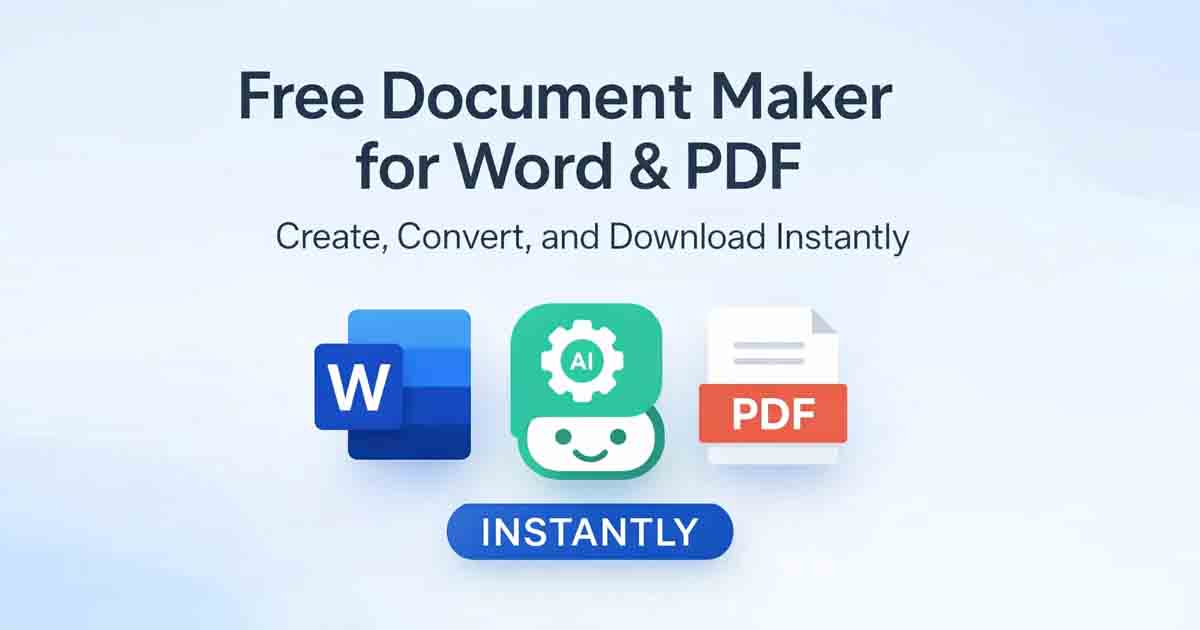
A growing number of users now prefer browser-based solutions that remove these barriers. Instead of installing software or managing subscriptions, online platforms allow documents to be created, converted, and downloaded instantly. Free Document Maker (FDM AI) follows this approach by providing a collection of tools designed for fast document workflows directly inside the browser.
This means users can create Word-style documents, convert files into PDF format, and generate structured content without installing software. Everything happens online and downloads are available immediately without login or watermark restrictions.
Modern Document Workflows Are Moving to the Browser
For years, document creation depended on desktop software. While those applications still exist, many users now prefer lightweight online tools that work instantly on any device.
Browser-based platforms remove many of the traditional limitations associated with document software. Files can be uploaded, converted, and downloaded in seconds without system requirements or complex interfaces.
This shift toward online document tools has made it easier for students, freelancers, and small businesses to handle everyday tasks such as creating invoices, converting images to PDF, or generating structured text documents.
Essential Tools for Creating and Converting Documents
Instead of relying on separate websites for each task, modern productivity platforms combine several document utilities in one environment.
Some widely used tools include:
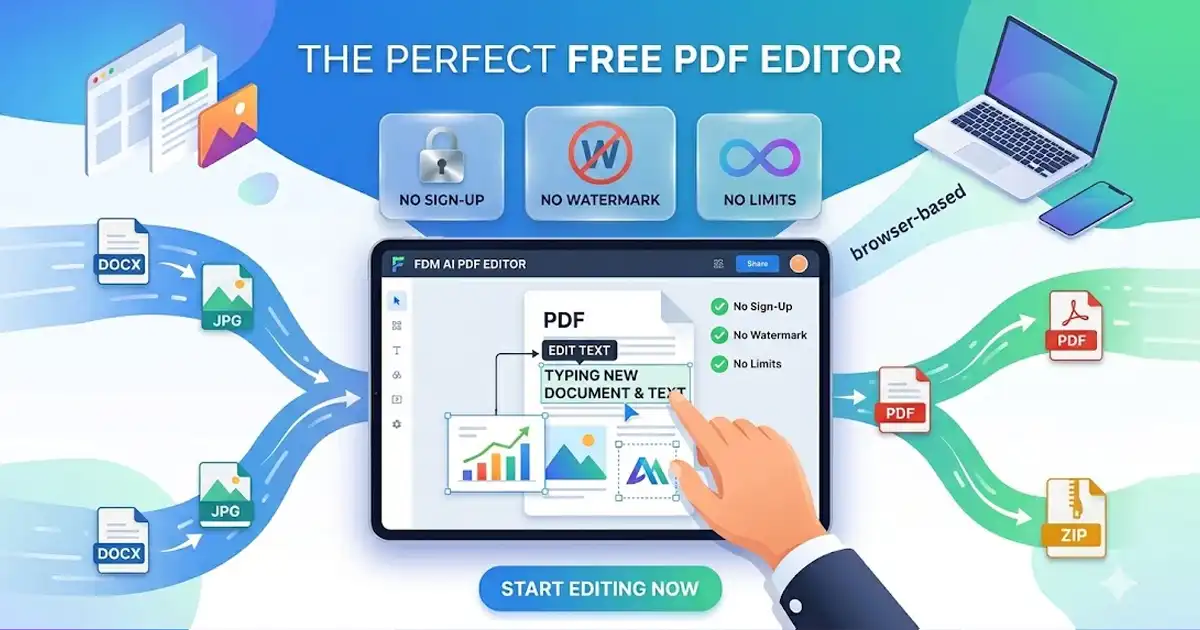
PDF editing and conversion for turning text, Word-style content, or images into PDF documents.
Word-style document creation using a simple browser editor.
AI-assisted document generation for producing structured business or personal documents.
Image to PDF conversion that merges multiple JPG, PNG, or WebP files into a single document.
These tools simplify everyday document tasks by eliminating the need to switch between multiple platforms.
Common Document Tasks You Can Complete Online
Online document tools are useful for a wide range of situations. Many users rely on them for quick tasks that would otherwise require complex software.
Examples include:
Generating invoices for freelance projects or business payments.
Combining images into PDF files for reports or document submissions.
Converting text into structured PDF documents for sharing or printing.
Turning written content into audio using browser-based text-to-speech tools.
Because these tools run entirely online, they are accessible from both desktop and mobile devices.
Simple Steps to Convert Files into PDF
Most document conversion tasks follow a straightforward process.
Open Free Document Maker.
Select a conversion tool such as Text to PDF or Image to PDF.
Upload your file or paste the content you want to convert.
Preview the generated document.
Download the finished PDF instantly.
This process usually takes only a few seconds, which makes it significantly faster than traditional software workflows.
Why Many Users Prefer Lightweight Document Tools
Traditional document platforms often require accounts, large installations, or subscription plans. While they can be useful for advanced editing, they may not be necessary for simple document creation tasks.
Lightweight browser tools focus on speed and accessibility. Users can complete document tasks instantly without managing accounts or navigating complex interfaces.
This approach is particularly useful for quick conversions, small business documents, and everyday productivity tasks.
AI Is Changing How Documents Are Created
Artificial intelligence is also becoming part of modern document workflows. AI tools can assist with writing structured content such as agreements, letters, and templates.
The AI-powered tools available on Free Document Maker help organize information and generate structured text automatically. Instead of starting with a blank page, users can generate drafts and adjust them as needed.
This helps reduce writing time while maintaining consistent document formatting.
Access Document Tools from Any Device
One of the main advantages of browser-based tools is cross-device compatibility. Because everything runs online, the same tools work on Windows, macOS, Android, and iOS devices.
This allows documents to be created and downloaded from virtually anywhere without installing additional applications.
Create and Convert Documents in Seconds
Online document platforms have made it easier than ever to generate, convert, and download files quickly. Whether you need to create business documents, convert images to PDF, or generate structured text, modern browser tools simplify the process.
Visit Free Document Maker to create documents and convert files instantly without login, installation, or hidden limitations.