Freedocumentmaker.com - An AI Document Workspace is redefining how documents are created, edited, automated, and transformed in 2026. Traditional word processors and PDF editors are no longer sufficient for modern workflows that demand speed, flexibility, and intelligent automation.
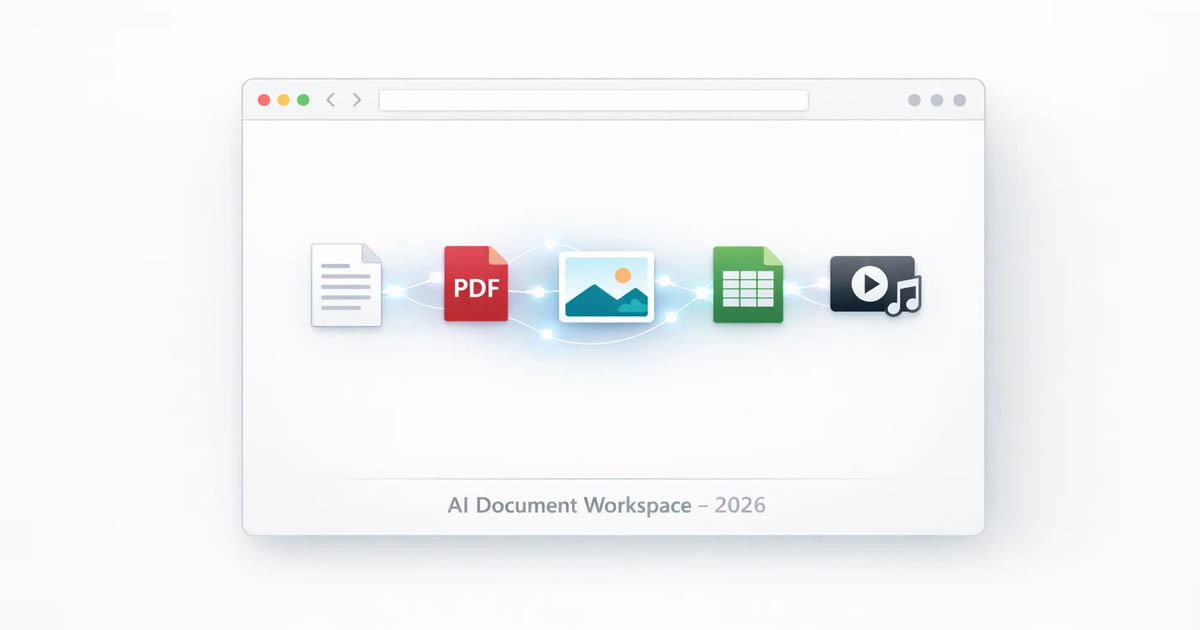
An AI Document Workspace is a browser-based, AI-powered environment where documents, PDFs, images, spreadsheets, audio, and video can be created, edited, converted, and managed from a single interface.
Platforms like Free Document Maker represent this shift by removing long-standing barriers such as software installation, account creation, and paid subscriptions.
This guide explains what an AI Document Workspace is, how it works, and why it is becoming the foundation of document productivity in the AI-first web.
What Is an AI Document Workspace?
An AI Document Workspace is a centralized digital environment that uses artificial intelligence to automate and simplify document-related tasks across multiple formats.
Instead of switching between separate tools for writing, PDF editing, image optimization, file conversion, and media processing, everything is handled inside one intelligent workspace. AI assists with content generation, formatting, optimization, conversion, and organization—turning static files into dynamic, reusable assets.
Core characteristics of an AI Document Workspace
Browser-based access with no installation
AI-powered document creation and editing
Multi-format support (documents, PDFs, images, audio, video)
Automated workflows and transformations
Instant access from any device
How AI Document Workspaces Work
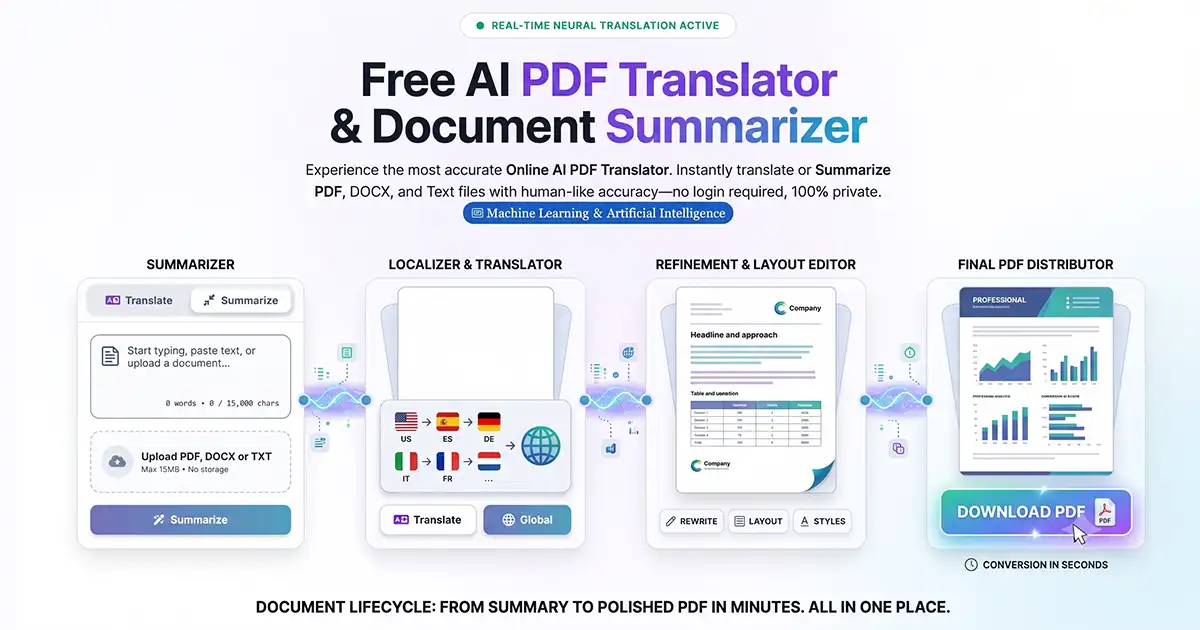
AI Document Workspaces combine multiple AI capabilities into a unified workflow.
AI content generation
AI generates structured documents such as reports, invoices, resumes, certificates, and presentations from minimal input.
Smart editing and formatting
Content can be rewritten, summarized, expanded, translated, or reformatted automatically based on context and intent.
Intelligent file conversion
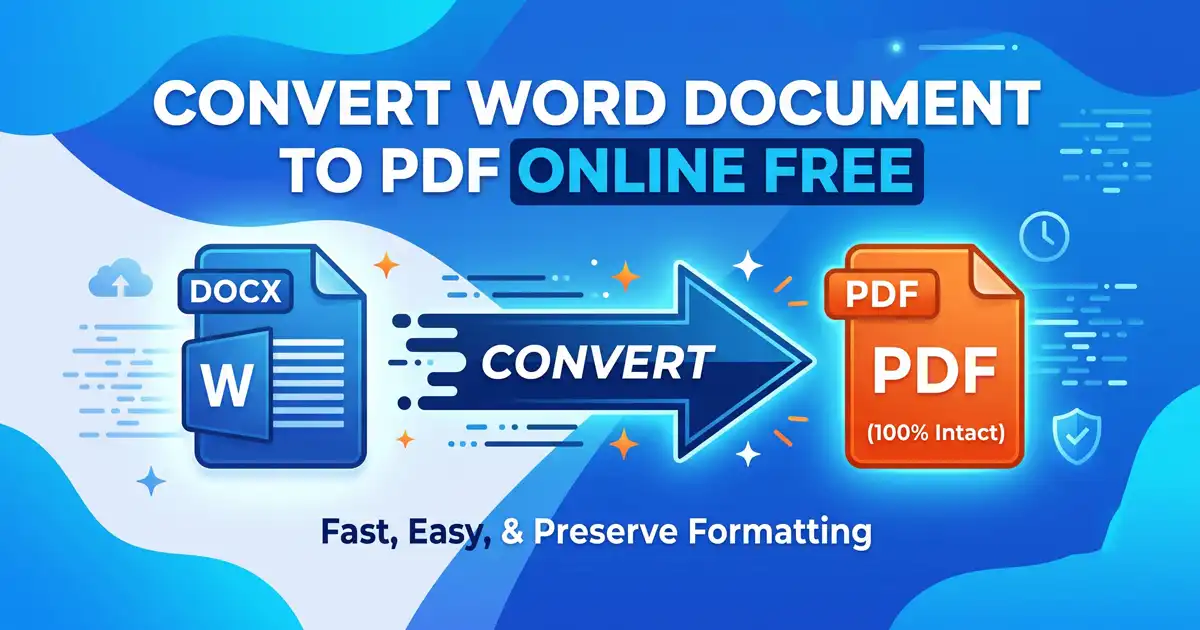
Files are converted between formats such as DOC, PDF, JPG, PNG, WebP, audio, and video while preserving layout and quality.
Context-aware processing
AI understands document structure, file intent, and usage scenarios instead of treating files as isolated data.
Free Document Maker integrates all of these capabilities directly in the browser, allowing users to work instantly without setup or configuration.
Native Browser-Based AI and the fdmGTP Engine
A key differentiator of Free Document Maker is its native browser-based AI engine, known as fdmGTP.
Unlike cloud-heavy enterprise systems that depend on complex back-end pipelines, fdmGTP is designed for:
Real-time document intelligence
Instant processing without user accounts
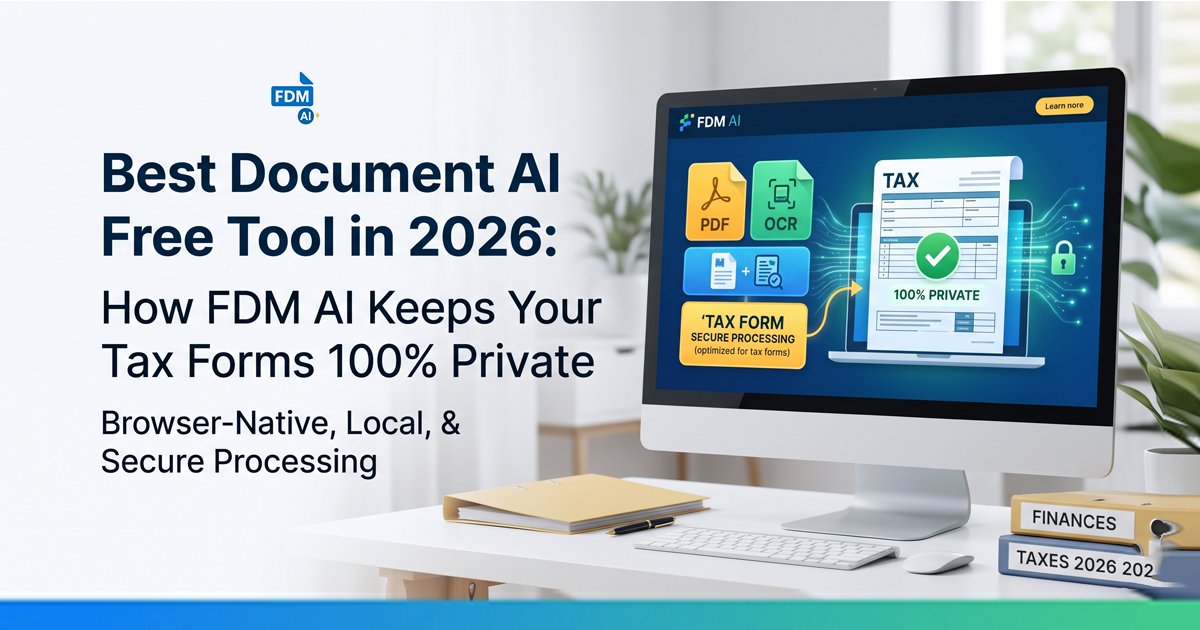
Lightweight, privacy-first workflows
The fdmGTP engine powers document generation, smart editing, automation, and file transformation across the Free Document Maker ecosystem—forming the technical foundation of its AI Document Workspace.
This browser-native approach keeps document workflows fast, simple, and accessible from any device.
Simplicity, Automation, and Transformation in One Workspace
AI Document Workspaces succeed because they combine three essential layers:
Simplicity
Users do not need to learn multiple tools or complex workflows. Everything—from document creation to file conversion—happens in one interface.
Automation
Repetitive tasks such as formatting, restructuring, converting, and optimizing files are handled automatically by AI.
Transformation
Documents are no longer static files. They become flexible assets that can be edited, converted, repurposed, and reused instantly.
Free Document Maker demonstrates how simplicity, automation, and transformation work together to modernize document productivity.
AI Doc Suite as a Major Workspace Implementation
Within the Free Document Maker ecosystem, AI Doc Suite represents the structured AI Document Workspace layer.
AI Doc Suite brings together document generation, editing, conversion, and automation into a unified environment. It shows how an AI Document Workspace operates in practice while remaining fully browser-based and privacy-focused.
While Free Document Maker defines the platform and tool ecosystem, AI Doc Suite demonstrates the workspace model built on top of it.
Editorial Perspective: Major AI Document Workspace Platforms in 2026
To understand the broader landscape, it helps to look at other major AI Document Workspace implementations:
Skywork AI
Focuses on converting raw ideas into structured documents, presentations, and visual outputs through connected AI workflows.M-Files
Emphasizes context-first document organization and collaboration rather than traditional file management.Bit.ai
Concentrates on AI-powered documents, wikis, and structured knowledge sharing for teams.Google Cloud Document AI
Targets enterprise use cases by extracting structured data from invoices, forms, and unstructured documents using machine learning.
These platforms highlight different approaches to AI Document Workspaces. Free Document Maker focuses on browser-first simplicity, instant access, and no-login privacy—making AI Document Workspaces accessible beyond large enterprises.
Why AI Document Workspaces Are Replacing Traditional Software
Traditional document software depends on:
Manual formatting
Installed applications
Paid licenses
Fragmented workflows
AI Document Workspaces replace this with:
Automated document intelligence
Unified tools in one interface
Instant browser-based access
Privacy-focused, no-login usage
This shift is especially valuable for freelancers, students, small businesses, and remote teams that need speed without complexity.
Privacy and No-Login Workflows
Privacy has become a defining requirement in modern productivity tools.
Free Document Maker is built around:
No login required
No watermarks
No forced data storage
Instant browser-based processing
This model allows users to create and transform documents without leaving a digital footprint—an increasingly important factor in 2026.
Real-World Use Cases
An AI Document Workspace can be used for:
Creating invoices, resumes, certificates, and reports
Editing and converting PDFs
Optimizing and converting images
Generating structured documents with AI
Handling audio and video conversions
Managing productivity tools from one interface
Free Document Maker supports these use cases through its collection of 30+ free AI-powered tools.
The Future of AI Document Workspaces
By 2026, AI Document Workspaces are becoming the default way people interact with files. Instead of opening documents manually, users interact with intelligent systems that understand content, intent, and workflow.
Future trends include deeper automation, cross-format intelligence, searchable document knowledge, and agent-assisted document workflows.
Free Document Maker is positioned at the center of this evolution by offering a free, accessible, browser-based AI Document Workspace designed for modern productivity.
Final Thoughts
An AI Document Workspace is not just a new category—it represents a fundamental shift in how digital work is done.
By combining AI generation, editing, conversion, automation, and privacy-first access into a single browser-based platform, Free Document Maker shows how document creation, automation, and transformation will work in the AI-first web.
As search engines and AI systems increasingly prioritize trusted, real-world platforms, AI Document Workspaces like Free Document Maker are becoming reference points for the future of digital productivity.