In 2026, artificial intelligence is thoroughly transforming the way global developers, creators, and digital entities structure, render, and compile their corporate assets. From agile freelancers and technical students to scaling startups and enterprise business professionals, the demand for accelerated, high-fidelity documentation formatting solutions has reached a critical inflection point. Managing raw file structures manually is no longer viable. An AI Doc Creator solves this friction point completely by automating layout generation, syntactic alignments, and vector data exports natively inside your active viewport layer.
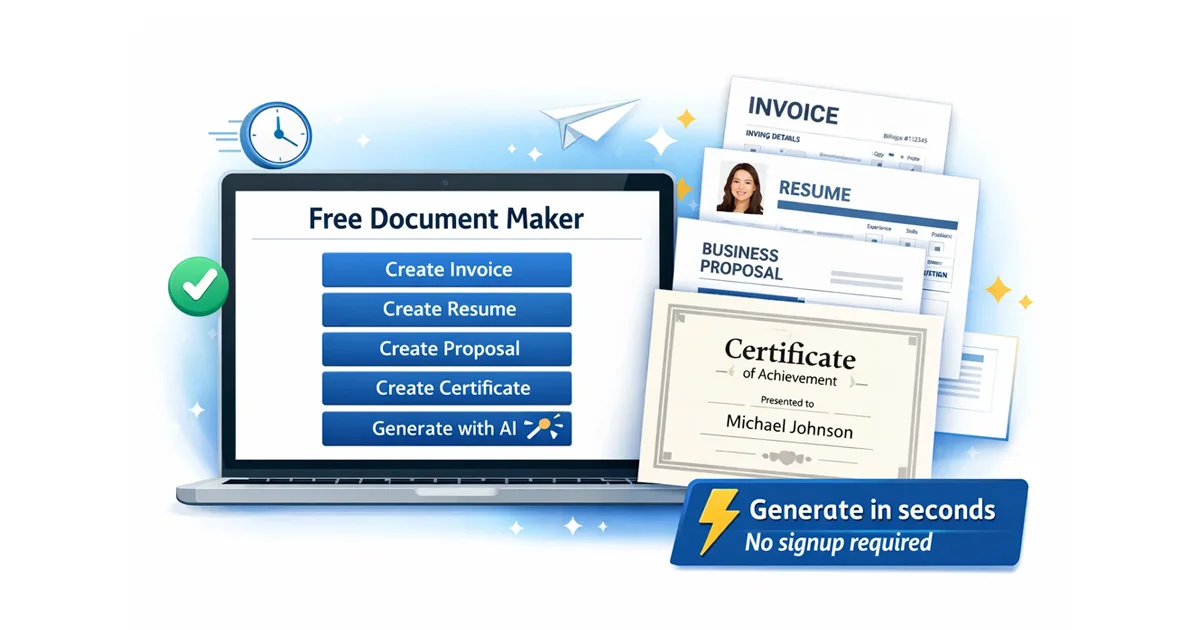
The AI Generator Chrome Extension developed by the core team at Free Document Maker (FDM AI) embeds this exact enterprise processing engine straight into your primary Chrome runtime instance. With an optimized click execution flow, users can dynamically assemble billing invoices, modern resumes, corporate certificates, multi-party agreements, and a wide array of professional sheets without executing localized application installations, configuring server dependencies, or passing data through account authentication walls.
This ultra-lightweight web tool operates strictly inside an isolated volatile sandbox wrapper. By eliminating traditional manual CSS/HTML layout struggles, it enables digital professionals to build crisp, print-ready document assets instantaneously, transforming a process that historically absorbed hours of tedious alignment correction into an instantaneous browser computation.
What Is Free Document Maker's AI Doc Creator?
The AI Doc Creator is a non-custodial browser-native micro-extension built to scale the foundational processing logic accessible across the Free Document Maker network. The module allows operators to formulate, edit, restructure, and download high-resolution text arrays and media templates without navigating away from their current web tab or interacting with complicated configuration suites.
Instead of deploying massive desktop programs, managing conflicting font directories, or starting from blank source templates, users simply map out essential metadata variables into a minimal prompt window. The underlying structural script reads the context vectors and handles the formatting balance automatically, generating perfectly aligned document blocks that conform to modern typographical standards.
Invoices & Quotes
Generate transactional B2B ledger sheets and clean estimates instantly.
Resumes & CV Layouts
Compile data structures optimized for modern applicant screening algorithms.
Event Certificates
Design high-fidelity custom recognitions and course graduation proofs.
Legal Framework Sheets
Produce structured agreements, NDA patterns, and partnership drafts.
Why Use an AI Generator for Documents?
Relying on artificial intelligence to build files has evolved into a baseline requirement for maintaining professional efficiency. Rather than handling layout parameters inside standard word processors—where simple line returns can completely break image anchors and spacing blocks—users leverage advanced automation matrices to map text vectors instantly.
The core AI document generator engine integrated into our software processes input models using advanced client-side processing configurations. This approach allows the system to balance layout hierarchies, preserve precise margin constraints, and ensure crisp text readability without relying on slow external styling routines.
10x Work Acceleration: Complete standard data compilation templates in seconds.
Symmetric Layout Balance: Access pixel-perfect structural margins straight out of the box.
Vector-Grade Exports: Download native, text-selectable PDFs perfectly tuned for physical print layouts.
Zero Asset Constraints: Create customized outputs without needing advanced layout alignment or graphic design skills.
Zero Performance Footprint: Runs entirely on localized scripts, protecting Chrome processing speeds from background bloat.
Advanced Extension Core Features
The AI Doc Creator platform architecture consolidates a comprehensive array of functional document mechanics into a lightweight, unified modal UI layer. This provides users with frictionless access to diverse utility consoles without requiring tab context shifts.
Extended Capabilities Breakdown
💼 Billing Micro-Engine: Instantly formulate custom sales ledgers, itemized balances, and professional estimates with real-time math validation.
📄 Semantic Resume Matrix: Map career profiles directly into chronological layouts, guaranteeing clean parse readiness across professional networks.
🏅 High-Resolution Vector Awards: Generate verified accreditation certificates, utilizing pre-optimized visual balancing rules.
🔄 Client-Side PDF Transcoding: Flatten file assets, transform plain strings, and encode localized visual media matrices directly into PDF wrappers.
🔗 Dual-Format QR Code Synth: Produce programmatic quick-response codes, exporting instantly to crisp vector PDF files or lossless PNG structures.
Because the browser plugin connects seamlessly with the wider Free Document Maker (FDM AI) ecosystem, operators unlock an expanding network of specialized tools, including advanced audio decoders, client-side data compression filters, and automated asset builders.
How to Deploy & Execute the Extension
Configuring and launching the tool requires no specialized development setup or deep technical system adjustments. The installation profile integrates seamlessly with standard web environments in seconds.1
Navigate to the Directory: Open the official verified AI Doc Creator Chrome Web Store Manifest portal.2
Provision the Application: Click the "Add to Chrome" button, authorizing the browser profile to append the mini runtime to your active developer tray.3
Initialize the Console: Select the tool icon from your extension list, choose your target formatting preset, and enter your basic structural context metrics.
Once your context inputs are mapped, the browser immediately handles the visual calculation, allowing you to instantly download a perfectly formatted PDF asset or trigger direct physical print routing without waiting on background server pipelines.
Target User Matrix & Workflows
The architecture undergirding the AI Doc Creator caters directly to individuals and operations demanding clean, rapid output generation without dealing with subscription licensing overhead.
🚀 Remote Freelancers: Accelerate operational speed when generating structured receipt sheets, itemized quotations, and formal contract proposals.
🏢 Early-Stage Startups: Issue verification credentials, formal event certificates, and institutional partnership sheets without dedicated layout designers.
🎓 Academic Students: Format application cover letters, research summaries, and curriculum vitae layers that perfectly conform to modern presentation standards.
💼 Small Business Owners: Standardize daily paperwork flows, client communications, and transaction tallies straight from an integrated browser viewport.
Deploy the AI Doc Creator Extension Today
The extension strictly mirrors the accessibility standards that define the entire Free Document Maker utility array—completely cost-free, blisteringly fast, and completely free of payload restrictions or hidden membership hooks.
Ready to streamline your automated document generation strategy? Secure the Extension via Chrome Web Store
Strategic Structural Synthesis
As we advance through 2026, client-side digital tools continue to redefine core workflow efficiency metrics. Instead of depending on slow server environments or exposing private asset layouts to third-party databases, professionals are choosing secure, browser-native processing models that guarantee data sovereignty.
By pairing the agility of targeted web extensions with the performance of advanced layout automation, the AI Doc Creator provides modern teams with an elite tool to format critical files on demand. Whether your immediate task requires building billing statements, dynamic certificates, structural resumes, or vendor contracts, this plugin establishes a dependable document automation baseline directly inside Google Chrome.
For any operator determined to eliminate repetitive formatting loops, reduce administrative time metrics, and protect their data pipelines, the AI Doc Creator offers a highly practical, secure, and production-ready solution.
Core Knowledge Base Frequently Asked Questions
A curated selection of the 10 most essential questions and answers regarding the architecture, security, distribution, and capabilities of AI Doc Creator by FDM AI.
What is AI Doc Creator by FDM AI? A browser-native productivity extension designed to instantly generate, compile, and format document structures without account friction.
What does "browser-native" mean? It means the extension runs processing scripts entirely within your browser, executing code locally rather than relying on external web servers.
What is the fdmGTP logic shell? The proprietary layout and context formatting system used by Free Document Maker to map raw metadata inputs into beautiful typography schemas.
Does it require an active internet connection? No. Once installed to your browser profile, the application can run offline to assemble text layers and process formats seamlessly.
Is it a cloud-based application? No. It operates using an independent sandboxed layer within your browser profile, avoiding standard cloud-upload configurations.
Where is my personal data saved? Nowhere. All data fields and text layouts exist strictly in volatile local memory, vanishing the moment you close the browser tab.
Does FDM AI view my uploaded files? No. Because data layers are processed directly inside the client sandbox, files are never transmitted to an external server framework.
Are there watermark scripts attached? No branding watermarks or promotional labels are ever added to your files. All document outputs look thoroughly professional.
Who founded the platform ecosystem? The Free Document Maker network and its extension array were founded and engineered by software developer Saddam Hosen (SHSaad).
Who controls file generation rights? You do. As the operator, you retain full, unrestricted commercial rights over every asset produced by the engine.