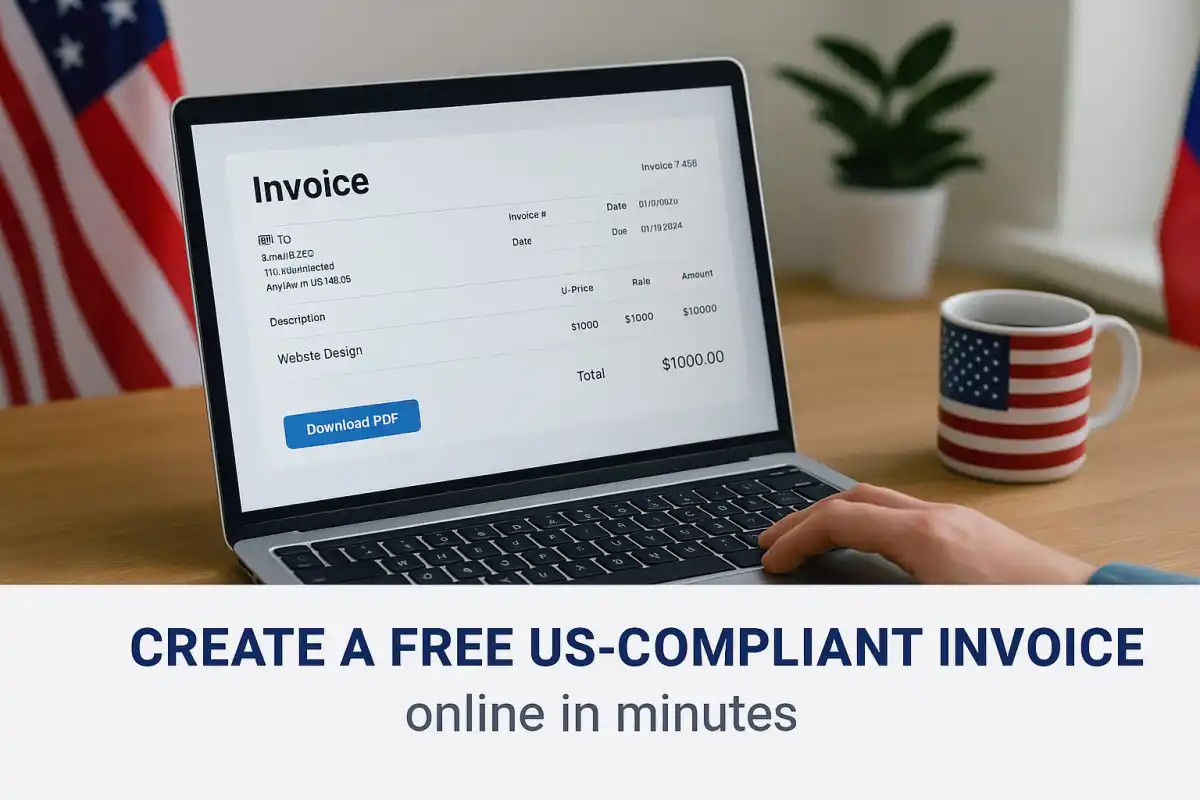
If you're a freelancer, small business owner, or independent contractor in the United States, sending professional invoices is essential. Invoicing not only helps you get paid faster — it also creates proper financial records for taxes, accounting, and client communication.
Many professionals believe they need expensive invoicing software to create professional invoices. The reality is much simpler. You can generate professional invoices for free directly from your browser without subscriptions, downloads, or complicated templates.
In this guide, you'll learn how to create a free invoice online in the United States, what information a proper invoice should include, and how freelancers and small businesses can keep their invoicing simple and organized.
Why Invoicing Matters in the United States
Proper invoicing is a critical part of running a professional business. Even freelancers and independent contractors need clear documentation when charging clients.
Well-structured invoices help businesses:
Receive payments faster because clients understand exactly what they are paying for
Maintain organized financial records for bookkeeping
Prepare tax documentation for IRS reporting
Avoid payment disputes with clients
Whether you are a 1099 contractor, freelancer, consultant, or LLC owner, keeping accurate invoices ensures your business remains professional and organized.
What Information Should a U.S. Invoice Include?
There is no single federal invoice format required in the United States, but most professional invoices include several key elements that help businesses maintain proper accounting records.
A typical U.S. invoice should include:
Invoice Number for tracking payments
Invoice Date and payment due date
Business Name and Contact Information
Client Name or Company Details
Description of services or products
Quantity, rate, and total price
Sales tax (if applicable)
Payment terms and payment methods
Maintaining clear invoice records is essential for bookkeeping and tax reporting. Organized invoices help simplify accounting during tax season.
Step-by-Step: How to Create a Free Invoice Online for the USA
Step 1: Use a Free Online Invoice Generator
You do not need spreadsheets, templates, or paid invoicing software.
Instead, you can generate invoices instantly using a browser-based tool.
Try the free tool here:
Free Document Maker Invoice Generator
This free generator includes useful features such as:
Automatic USD currency formatting
Optional U.S. sales tax calculation
Professional PDF export
Instant invoice preview
The entire process works directly in your browser. No login or subscription required.
Step 2: Add Your Business Information
Start by entering your business or personal details.
This information identifies the sender of the invoice.
Business Name or Personal Name
Address (City, State, ZIP)
Email and phone number
Optional: EIN or Tax ID
Example:
Smith Web Design
123 Elm Street, Austin, TX
(512) 555-1234 | smithdesign@email.com
Step 3: Enter Client Details
The invoice should clearly show who the client is.
Client Name or Company
Address
Email or phone contact
Always invoice the correct legal entity. This helps avoid accounting issues later.
Step 4: Add Services or Products
List the services you provided or products sold.
| Description | Quantity | Rate | Total |
|---|---|---|---|
| Website Design | 1 | $600 | $600 |
| Monthly Maintenance | 1 month | $150 | $150 |
The invoice generator automatically calculates totals.
Step 5: Apply Sales Tax (If Required)
Not all services require sales tax. However, product sales or certain services may require tax depending on state regulations.
If needed, simply add the tax percentage and the generator will apply it automatically.
Step 6: Add Payment Terms
Clear payment terms help clients understand when payment is expected.
Due date (Net 7, Net 15, Net 30)
Accepted payment methods
Common payment options include:
Bank transfer
ACH
PayPal
Zelle
Venmo
Example payment note:
Late payments may incur a 2% monthly fee.
Step 7: Preview and Download the Invoice
Before sending your invoice, review the document carefully.
Check that:
Client details are correct
Services and pricing are accurate
Payment instructions are clear
Once confirmed, download the invoice as a professional PDF or send it directly to your client.
Managing and Storing Your Invoices
After sending invoices, it is important to keep organized records.
Freelancers and businesses often store invoices in:
Cloud storage platforms (Google Drive, Dropbox)
Accounting software
Internal document folders
Keeping copies of invoices helps with accounting and IRS reporting.
Other Useful Tools for Freelancers
In addition to invoice creation, professionals often use tools for contracts, resumes, and document generation.
| Tool | Purpose |
|---|---|
| Invoice Generator | Create professional invoices |
| Contract Generator | Generate service agreements |
| Resume Builder | Create ATS-friendly resumes |
| Certificate Generator | Generate professional certificates |
Final Thoughts
Creating professional invoices does not require expensive software.
Modern browser-based tools make it possible to generate clean, professional invoices within minutes.
Using a free generator like Free Document Maker (FDM AI), freelancers and businesses can create invoices, maintain financial records, and send documents to clients quickly.
Start creating your free invoice today and simplify your invoicing workflow.