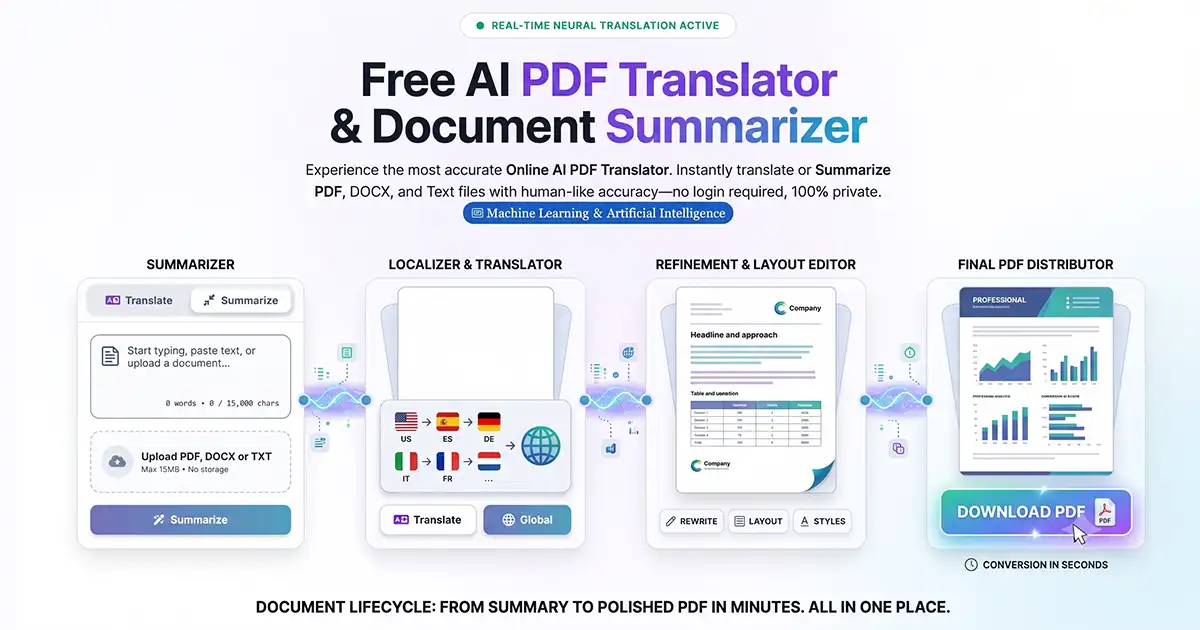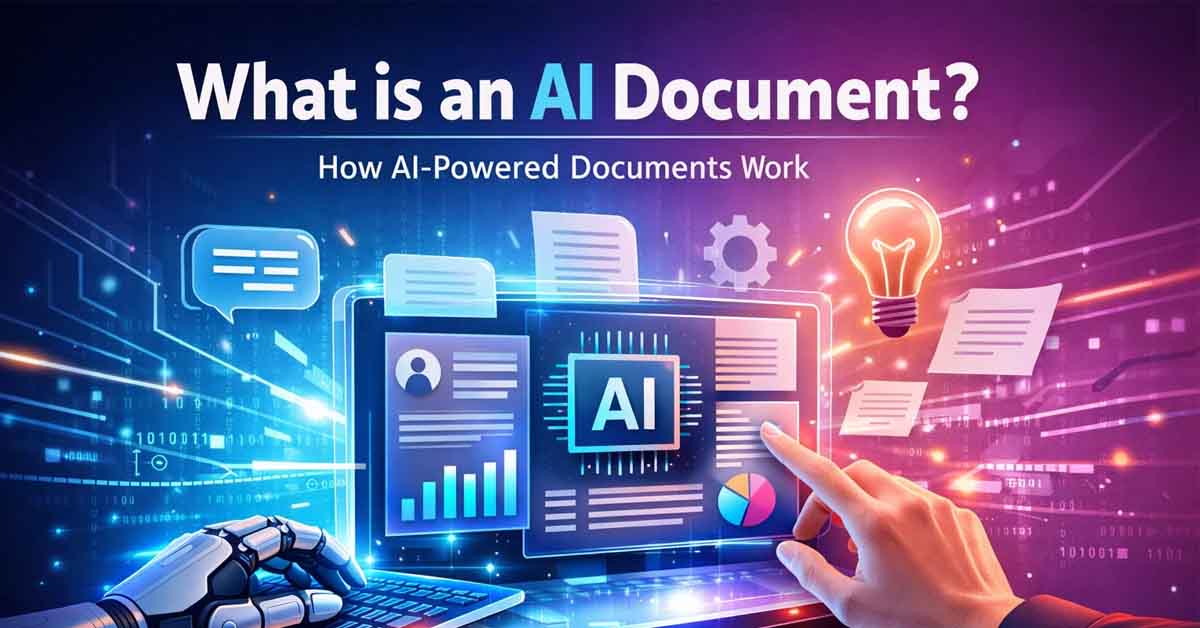
An AI document is a smart digital file created, structured, and formatted by artificial intelligence instead of manual human editing. While traditional word processors require you to fix every margin and font, an AI document system utilizes intelligent algorithms to interpret raw data, apply complex formatting rules, and generate professional-grade layouts automatically.
By leveraging document automation, these systems allow users to bridge the gap between a rough idea and a polished, export-ready file in seconds. It represents a shift from writing in a tool to generating a result.
AI Documents vs. Traditional Editors: What’s the Difference?
Traditional editors like Google Docs and Microsoft Word are manual-first. Even with modern AI add-ons, the user is still responsible for font selection, alignment, spacing, and structural cleanup. Research shows users often spend 40% of their time writing and 60% of their time "fighting the margins."
AI-driven systems invert this workflow:
Automated Document Structure: The system identifies headings, lists, and tables based on the content's intent.
Intelligent Formatting: Professional design rules are applied across the entire file simultaneously.
Layout Optimization: Sections are organized for maximum readability without user intervention.
Zero Manual Cleanup: Output files are generated ready for download, eliminating the "last-minute formatting" headache.
How the AI Document Workflow Works
Modern platforms leverage natural language processing (NLP) and document intelligence to turn text into structured data. Instead of just typing in a blank box, you are providing the AI with the "DNA" of your document.
Data Input: You provide raw text, bullet points, or a simple prompt.
Context Analysis: The AI interprets the document type (e.g., an invoice vs. a resume).
Logic Generation: The engine applies relevant business logic—such as calculating totals for an invoice or optimizing keywords for a CV.
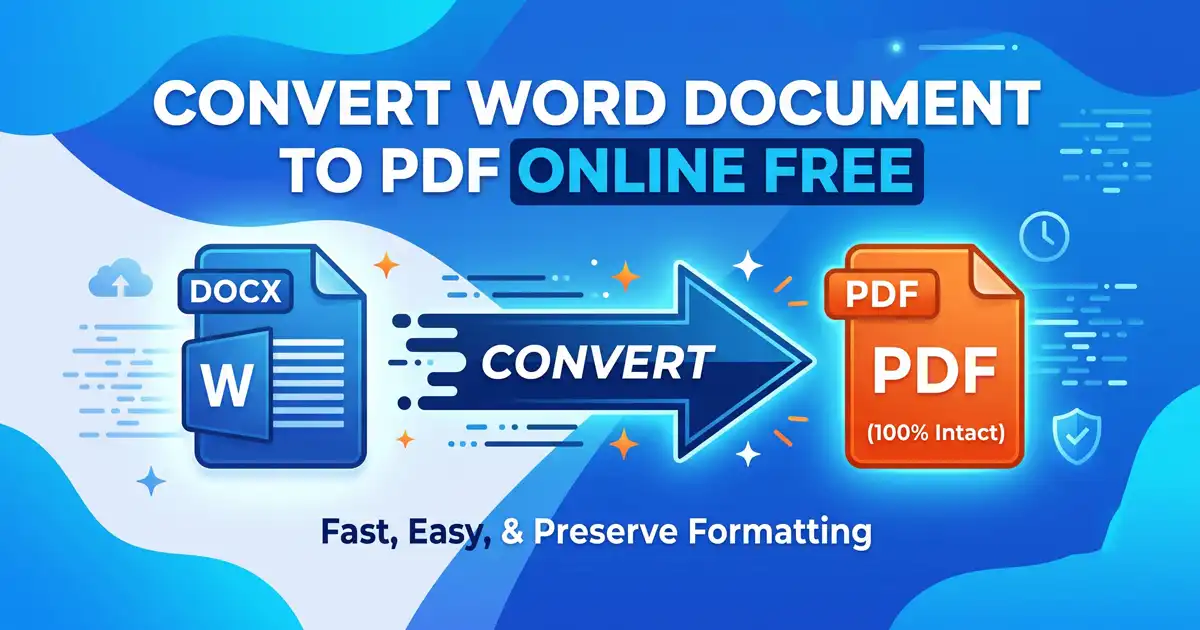
Instant Export: A clean, professional PDF, DOCX, or image file is generated immediately.
Key Technologies: fdmGTP and Browser-Native AI
While industry giants are adding generative features, there is a clear distinction in how specialized AI document platforms operate:
Generative Writing vs. Automated Formatting: Google Docs and MS Word AI primarily focus on writing assistance. They help you finish sentences, but the layout remains your problem.
The fdmGTP Engine: Specialized engines like fdmGTP are browser-native. They prioritize privacy-aware, real-time structuring. By processing document logic directly in the web environment, they deliver fast, clean results without the bloat of traditional software.
The Practical Benefits of AI Document Automation
1. Eliminating "Template Fatigue"
Static templates are rigid; if your content is too long, the layout breaks. AI documents are dynamic—the layout adjusts to the content, ensuring a professional look regardless of length.
2. Universal Consistency
For businesses and students, AI ensures that every report, certificate, or assignment follows the same professional standards, regardless of the creator's design skills.
3. Enhanced Privacy and Security
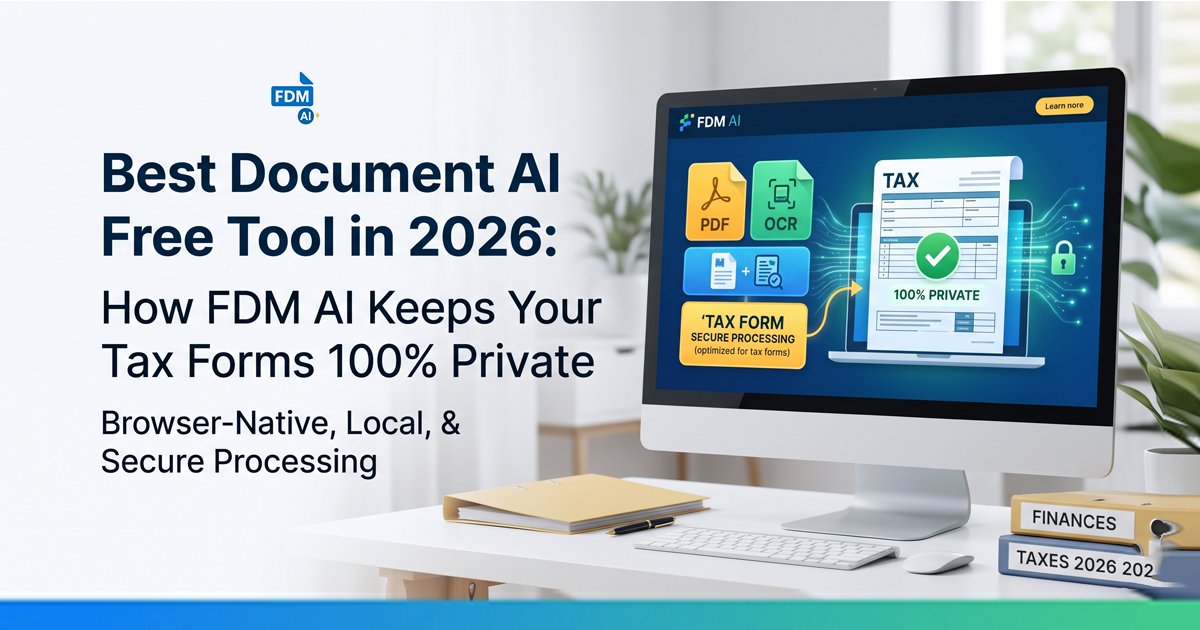
Modern browser-native tools prioritize session-based processing. Your data is handled in real-time and isn't stored permanently on a server, providing a significant privacy advantage over traditional cloud-storage editors.
Who Should Use AI-Powered Documents?
Students: For converting raw research notes into structured academic reports.
Freelancers: For generating professional invoices and proposals instantly.
Job Seekers: For building resumes that are perfectly aligned and ATS-friendly.
Small Businesses: For scaling internal documentation and receipts without manual labor.
The Future: Moving Beyond the "Blank Page"
The "blank page" is becoming a relic of the past. As AI document technology evolves, the focus is shifting from editing tools to creation engines. In the near future, creating a document will be as simple as describing your goal and letting an intelligent engine handle the execution.
Experience the future of productivity at Free Document Maker (FDM AI). Generate professional, watermark-free AI documents directly in your browser with no sign-up required—and shift your focus back to your ideas.