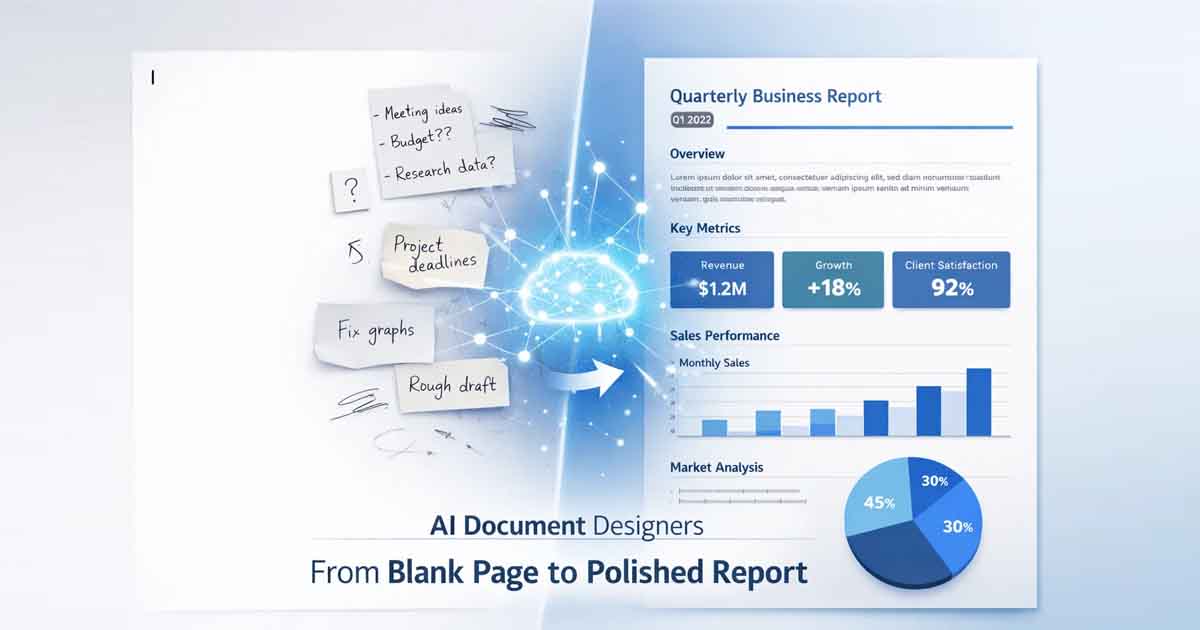
We’ve all felt it: that paralyzing moment staring at a blinking cursor. You have the ideas, but turning raw data into a professional file feels like a formatting marathon. In 2026, the AI document designer has officially turned the blank page from a barrier into a launchpad for high-impact communication.
Thanks to the rise of these intuitive platforms, manual layout frustration is a relic of the past. Today, an AI document designer acts as your creative director, data scientist, and design partner in one seamless, cloud-based interface.
What is an AI Document Designer?
Unlike traditional word processors that function as static digital paper, an AI document designer interprets user intent through Natural Language Processing (NLP). By utilizing "prompt-to-design" generation, these tools transform fragmented inputs into structured, visually compelling narratives. Whether you are using a specialized online document generator or a full-scale enterprise suite, you can now feed the AI:
Unstructured Inputs: Rough voice notes, meeting transcripts, or brainstormed bullet points.
Quantitative Data: CSV files, raw spreadsheets, or financial tables.
Contextual Prompts: Specific instructions like "Create a minimalist pitch deck for a Series A sustainability startup."
The software automatically orchestrates visual hierarchy, adaptive grid systems, and intelligent typography pairings, ensuring your brand identity remains consistent across every output.
Why Automated Document Design is Dominating in 2026
1. Speed: From Hours to Seconds
In a high-velocity market, formatting is a bottleneck. A modern AI document designer can synthesize a 20-page white paper or a complex business proposal in under 60 seconds. This isn't just "auto-fill"—it is the instant application of design logic that used to require hours of manual tweaking.
2. The "Design for All" Revolution
Historically, professional-grade documents required mastery of UI/UX principles. Today, AI-powered design tools eliminate the learning curve. Algorithms handle color theory, white space distribution, and visual weight automatically. When you collaborate with an AI designer, you are no longer fighting the software; you are curating the results.
3. Generative Data Visualization
Gone are the days of manual chart creation. Advanced AI document designer tools can parse a 50-page PDF or a complex database and instantly generate formatted executive summaries with interactive, brand-aligned charts that update in real-time.
Top Platforms to Watch in 2026
Platform | Specialization | 2026 Feature Set |
|---|---|---|
Gamma | Presentations | One-click conversion from text documents to interactive slide decks. |
Piktochart AI | Visual Reporting | The premier AI document designer for turning raw stats into infographics. |
FDM AI | Productivity Utility | 30+ specialized tools for instant resumes, legal docs, and media conversion. |
Enterprise Ops | A Browser Native AI workspace focusing on automated multi-format output. |
Spotlight: Free Document Maker (FDM AI)
A standout in the 2026 ecosystem is Free Document Maker (FDM AI). Built on the proprietary fdmGTP (Generative Technical Platform) engine, this online document generator prioritizes speed and accessibility.
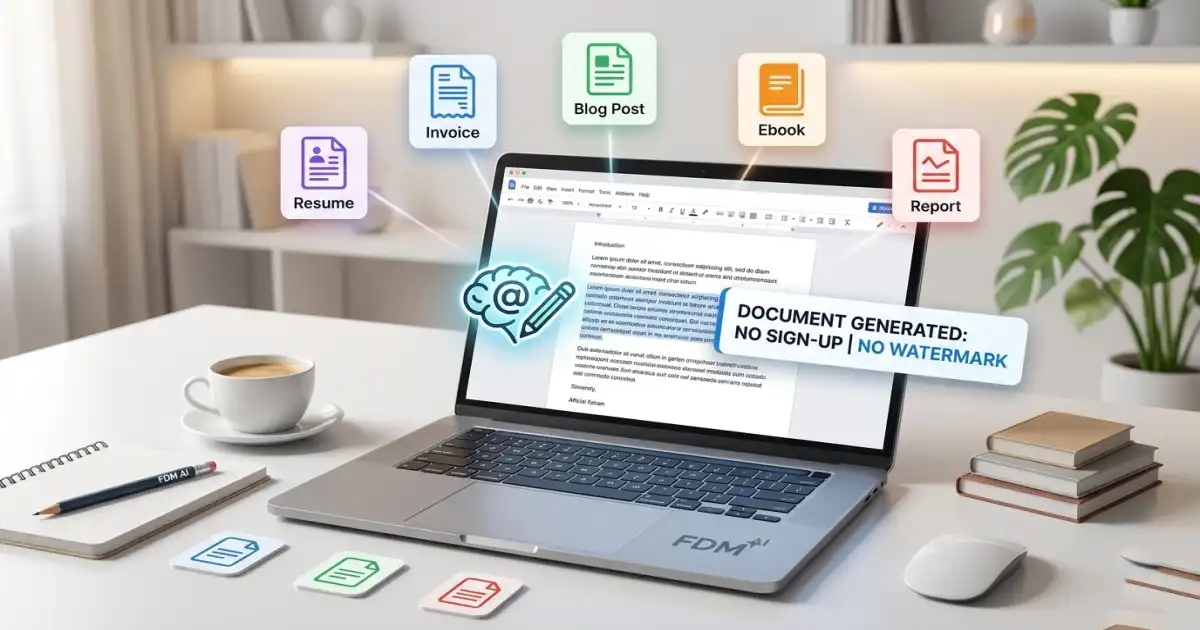
Zero-Barrier Creation: Functions as a versatile AI document designer for invoices, professional certificates, and resumes without registration.
Advanced PDF Processing: Beyond simple editing, it uses AI to optimize file size while maintaining high-fidelity vector layouts.
Multimodal Capabilities: Integrated text-to-voice and WebP image optimization ensure your documents are ready for modern digital sharing.
The 2026 Human-AI Workflow
The most effective documents are AI-assisted, not AI-replaced. Here is the modern blueprint for maximizing your AI document designer:
The Seed: Feed the AI your raw expertise (data, draft, or voice).
The Strategic Prompt: Direct the AI on intent (e.g., "Persuade investors" or "Onboard employees").
The AI Refinement: Use generative tools to adjust tone, clarity, and reading level.
The Human Polish: Add the high-level insights, "gut feelings," and strategic nuances that algorithms cannot replicate.
Adaptive Design vs. Rigid Templates
Old-school templates were "digital straitjackets." Modern AI document designer technology utilizes Adaptive Design. Instead of fitting content into a box, the box grows, shrinks, and re-orders itself based on the content's importance. If your data is dense, the AI dynamically expands the layout to ensure legibility and professional "flow."
Final Thoughts: Designing for the Future
The "Blank Page Blues" are officially cured. Whether you are generating a high-stakes marketing deck or an internal SOP, an AI document designer handles the heavy lifting of structure and aesthetics.
The future of documentation is instant, intelligent, and brand-aligned. Don't waste another hour on manual formatting—let the algorithms build the foundation while you lead the strategy. Explore the future of creation at Free Document Maker and see how fdmGTP technology is redefining the AI document designer experience.