PDF vs Word: What Is the Difference?
PDF vs Word is one of the most common comparisons when working with digital documents. Both formats are widely used, but they serve different purposes depending on whether you need to edit, share, or preserve document formatting.
Understanding the difference between PDF vs Word helps you choose the right format for your workflow, improve productivity, and ensure your documents look professional across all devices.
What Is PDF vs Word?
PDF (Portable Document Format) and Word (DOC/DOCX) are two of the most popular file formats used for creating and sharing documents.
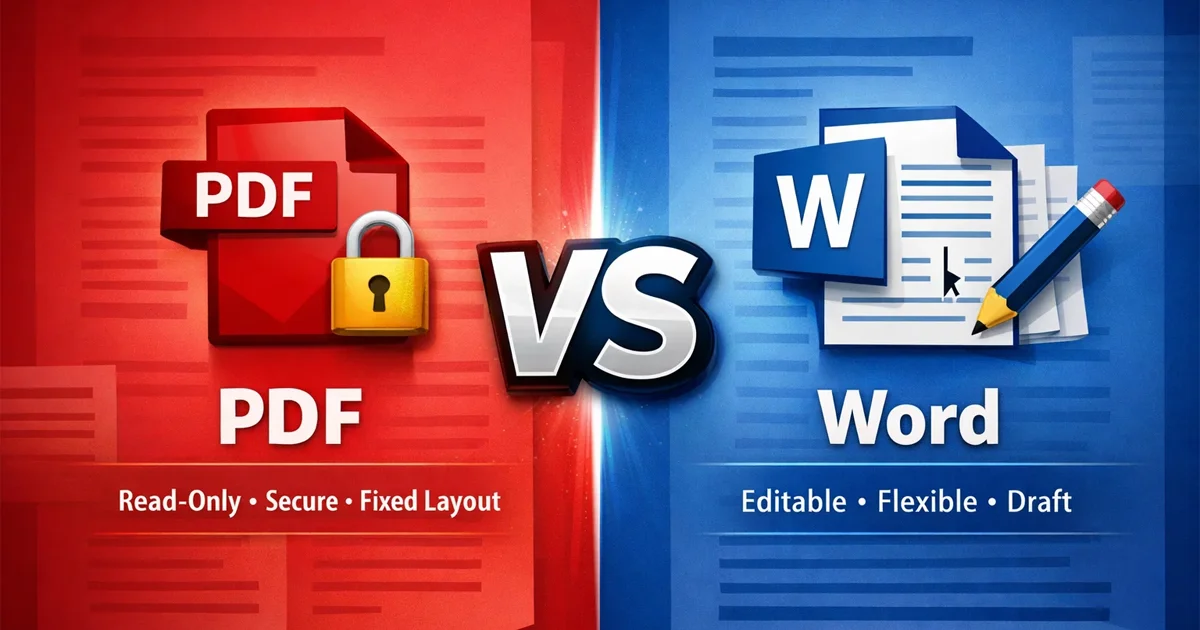
A Word file is designed for writing, editing, and collaboration. It allows users to easily modify text, images, and formatting in real time.
A PDF file is designed for sharing and preserving the exact layout of a document. It ensures that fonts, images, spacing, and design remain consistent across all devices and platforms.
PDF vs Word Difference in Editing
One of the biggest differences between PDF vs Word is editability.
Word Files Are Fully Editable
Word documents are flexible and allow users to:
Edit text and images
Change formatting and layout
Add comments and track changes
This makes Word the best choice for drafting documents and collaborative work.
PDF Files Are Mostly Read-Only
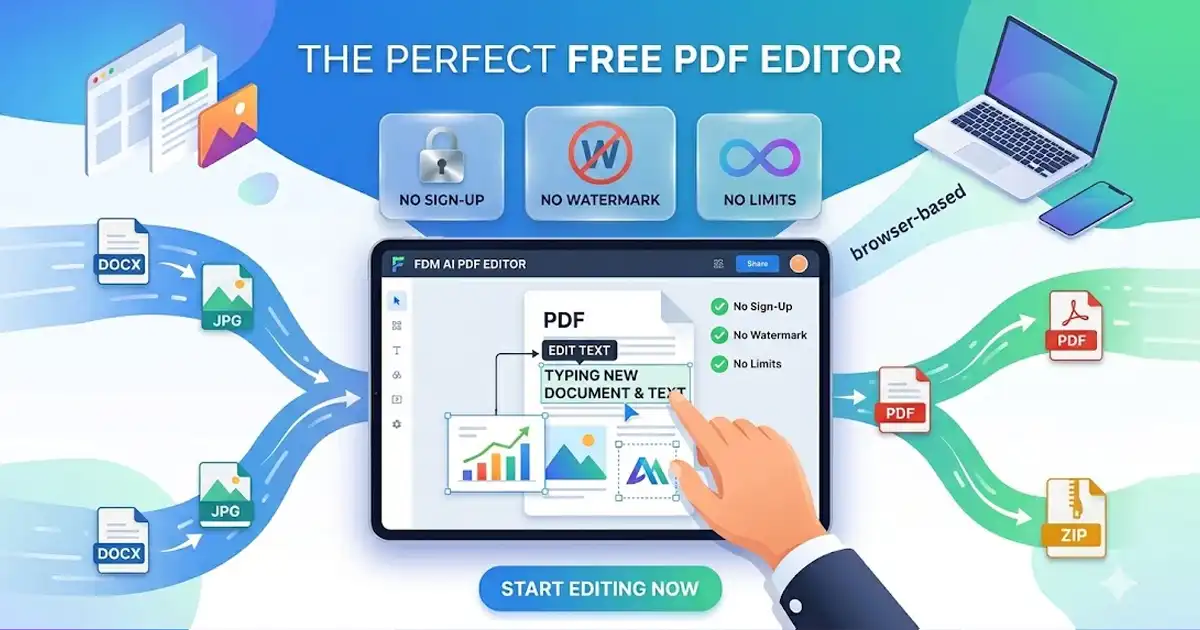
PDF files are generally read-only and not designed for frequent editing. However, users can modify PDF files when needed using tools like
https://www.freedocumentmaker.com/pdf-editor
PDF is ideal for:
Sharing completed documents
Preventing unwanted changes
Maintaining document integrity
PDF vs Word Difference in Formatting
Formatting consistency is another major factor in the PDF vs Word comparison.
PDF Keeps Layout Consistent
PDF files preserve:
Fonts
Images
Spacing
Overall design layout
No matter where the file is opened, it will always look the same.
Word May Change Layout
Word documents can shift formatting depending on:
Installed fonts
Device compatibility
Software versions
This can create layout inconsistencies when sharing files.
PDF vs Word for Professional Use
Choosing between PDF vs Word depends on how you plan to use your document.
Use Word for Creation and Editing
Word is best for:
Writing reports and documents
Editing and updating content
Collaboration and feedback
Draft versions
Use PDF for Sharing and Final Documents
PDF is best for:
Resumes and CVs
Contracts and agreements
Business presentations
Print-ready documents
To convert files quickly, you can use
https://www.freedocumentmaker.com/document-convert
This ensures your final document remains consistent and professional.
PDF vs Word Security and File Control
Security is another important difference between PDF vs Word.
PDF Offers Better Security
PDF files support:
Password protection
Restricted editing
Limited printing
This makes them suitable for official and sensitive documents.
Word Is Easier to Modify
Word files are easy to edit, which is useful for collaboration but less secure when sharing final documents.
PDF vs Word File Size and Performance
File size can vary between PDF vs Word depending on content.
PDFs are often optimized for sharing and distribution
Word files may increase in size with images and formatting
In many cases, PDF files are more efficient for sending and uploading.
When to Use PDF vs Word
Choosing the right format depends on your goal.
Use Word when:
You need to create or edit content
You are collaborating with others
The document is still in progress
Use PDF when:
You are sharing a final version
You need consistent formatting
You want a professional presentation
You need document security
PDF vs Word: Which Is Better?
There is no single “best” format in the PDF vs Word comparison.
Word is better for flexibility and editing
PDF is better for stability and sharing
Most users create documents in Word and then convert them into PDF for final use.
Conclusion
The difference between PDF vs Word comes down to purpose. Word is designed for creating and editing documents, while PDF is built for sharing and preserving formatting.
Understanding PDF vs Word allows you to work more efficiently and present your documents in a professional way.
For best results, use Word during the creation process and switch to PDF when your document is ready to share.