Free Document Maker for Google Drive – Secure AI Editing (2025)
Securely open, preview, and edit your Google Drive files with Free Document Maker. Free tools work instantly with no login. Google login is only required for Drive files.
Why Connect Google Drive with Free Document Maker?
Secure & Private
Files are accessed only during your session. Nothing is stored.
AI-Powered Editing
Instantly enhance, format, and optimize your documents with AI tools.
Free & Fast
No signup required for built-in tools. Works instantly in your browser.
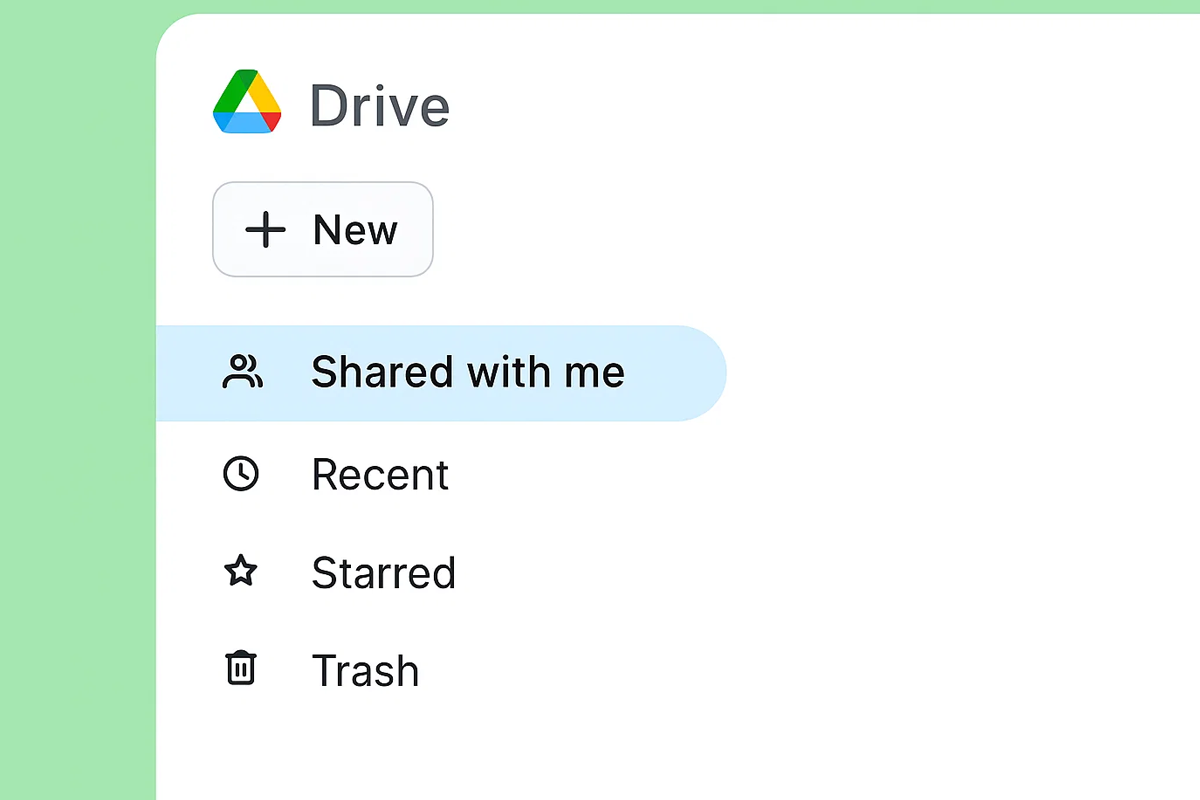
Google Drive
- ✔️ Open your Google Drive files in Free Document Maker for instant editing.
- ✔️ Preview, enhance, and format Docs, Sheets, Slides, and PDFs with AI tools.
- ✔️ Create new documents directly from Google Drive in a snap.
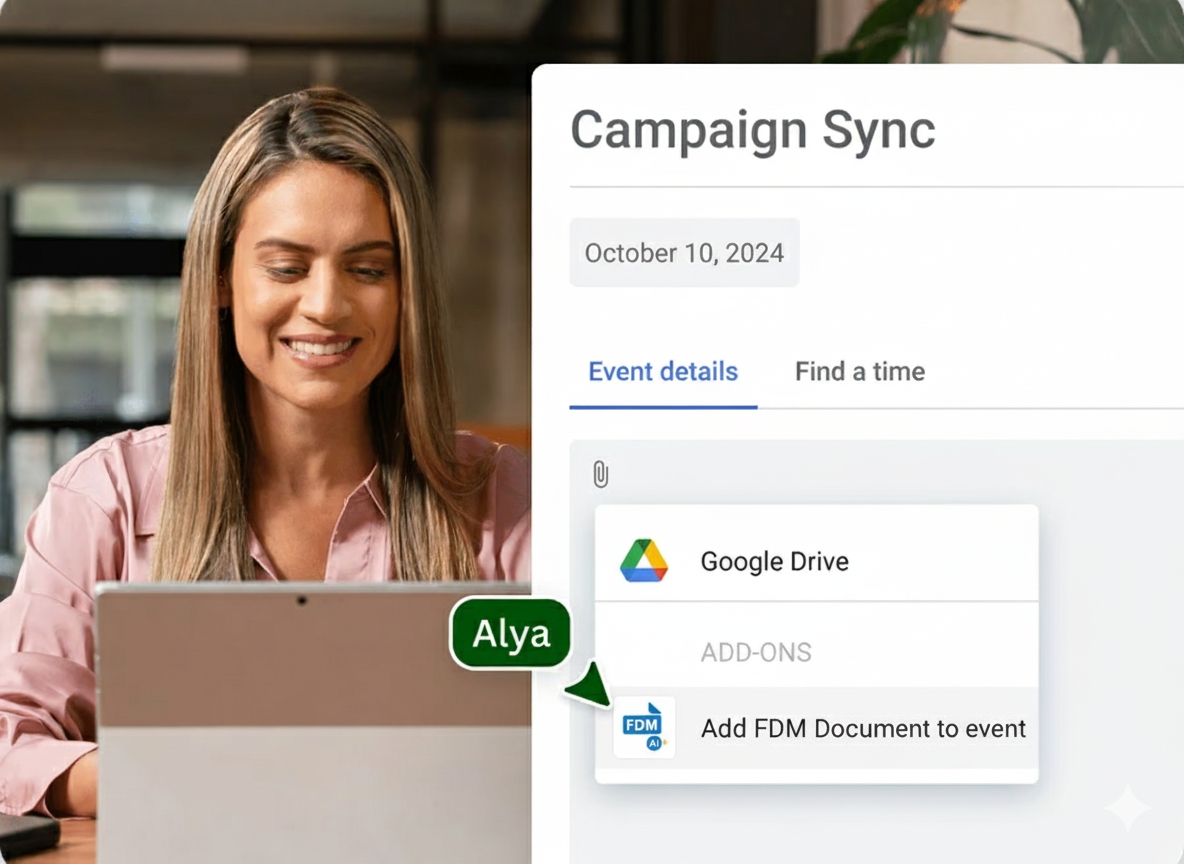
Google Calendar
- ✔️ Attach Free Document Maker invoices, certificates, or PDFs directly to events.
- ✔️ Auto-generate meeting notes, agendas, or proposals for your calendar entries.
- ✔️ Share docs instantly with all attendees, without leaving Calendar.
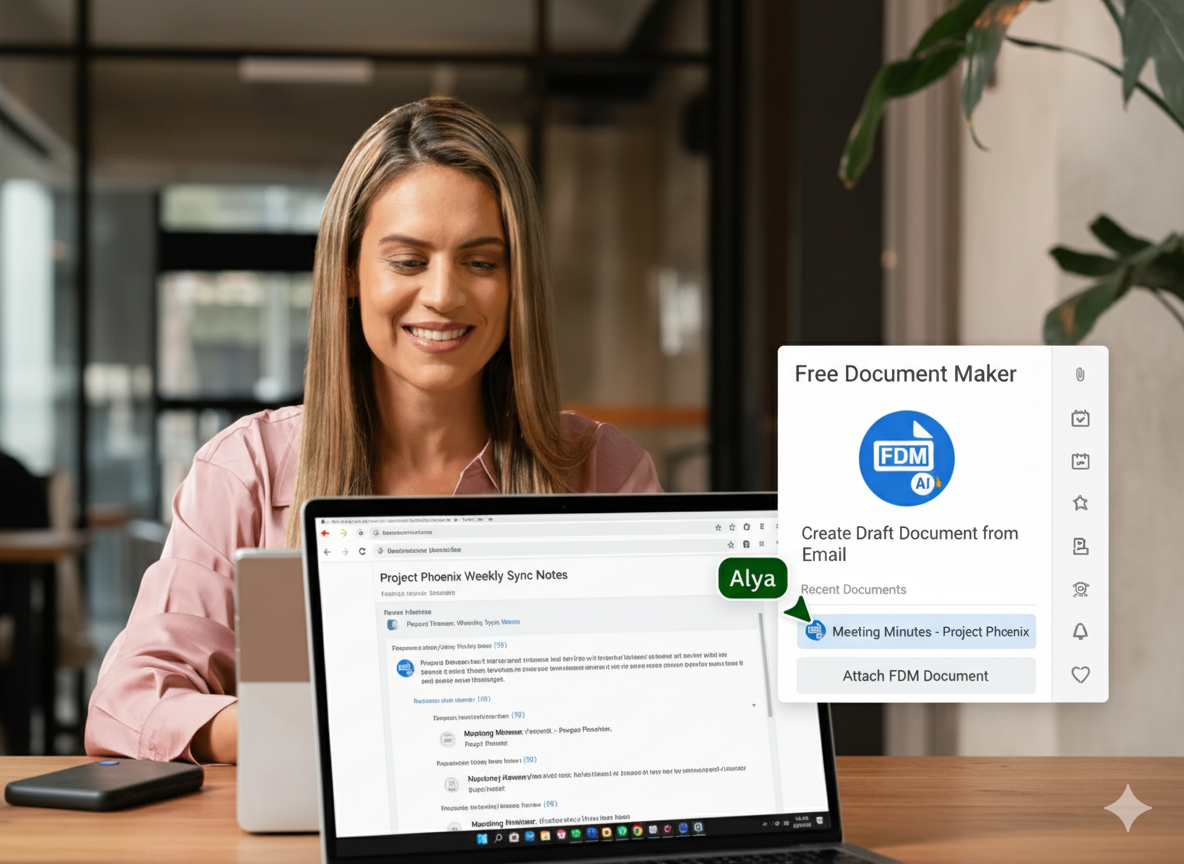
Gmail
- ✔️ Insert Free Document Maker files directly into your emails.
- ✔️ Create invoices, resumes, or letters instantly inside Gmail.
- ✔️ Share as static PDFs or editable links for easy collaboration.
Google Docs, Sheets & Slides
- ✔️ Turn Free Document Maker templates into smart chips inside Docs, Sheets, and Slides.
- ✔️ Control sharing permissions and access directly within your editor.
- ✔️ Export to clean PDFs instantly without leaving Google Docs, Sheets, or Slides.

Your dependable suite of AI-powered tools, now better with Google Workspace
Connect Free Document Maker to Google WorkspaceFrequently Asked Questions
What are add-ons for Google Workspace?
Google Workspace add-ons are apps that bring new features to Docs, Sheets, Slides, Drive, and Gmail. Free Document Maker integrates AI-powered tools and templates seamlessly.
What is the Free Document Maker integration for Google Workspace?
It allows you to open, preview, and edit Google Drive files, generate AI-powered templates, and export to PDF instantly inside Docs, Sheets, and Slides.
What can I do with the integration?
You can create invoices, resumes, contracts, and reports inside Google Docs, Sheets, or Slides with AI-powered formatting.
Is the Free Document Maker integration free?
Yes. All features are free, no signup required. Google login is only needed for Drive access.
Who can use the integration?
Anyone with a Google account can connect and use Free Document Maker inside Google Workspace.
Where can I provide feedback or get support?
Contact us at info@freedocumentmaker.com.
Where can I view your privacy policy?
You can view it at freedocumentmaker.com/privacy.